
Software
Desktop Application Development
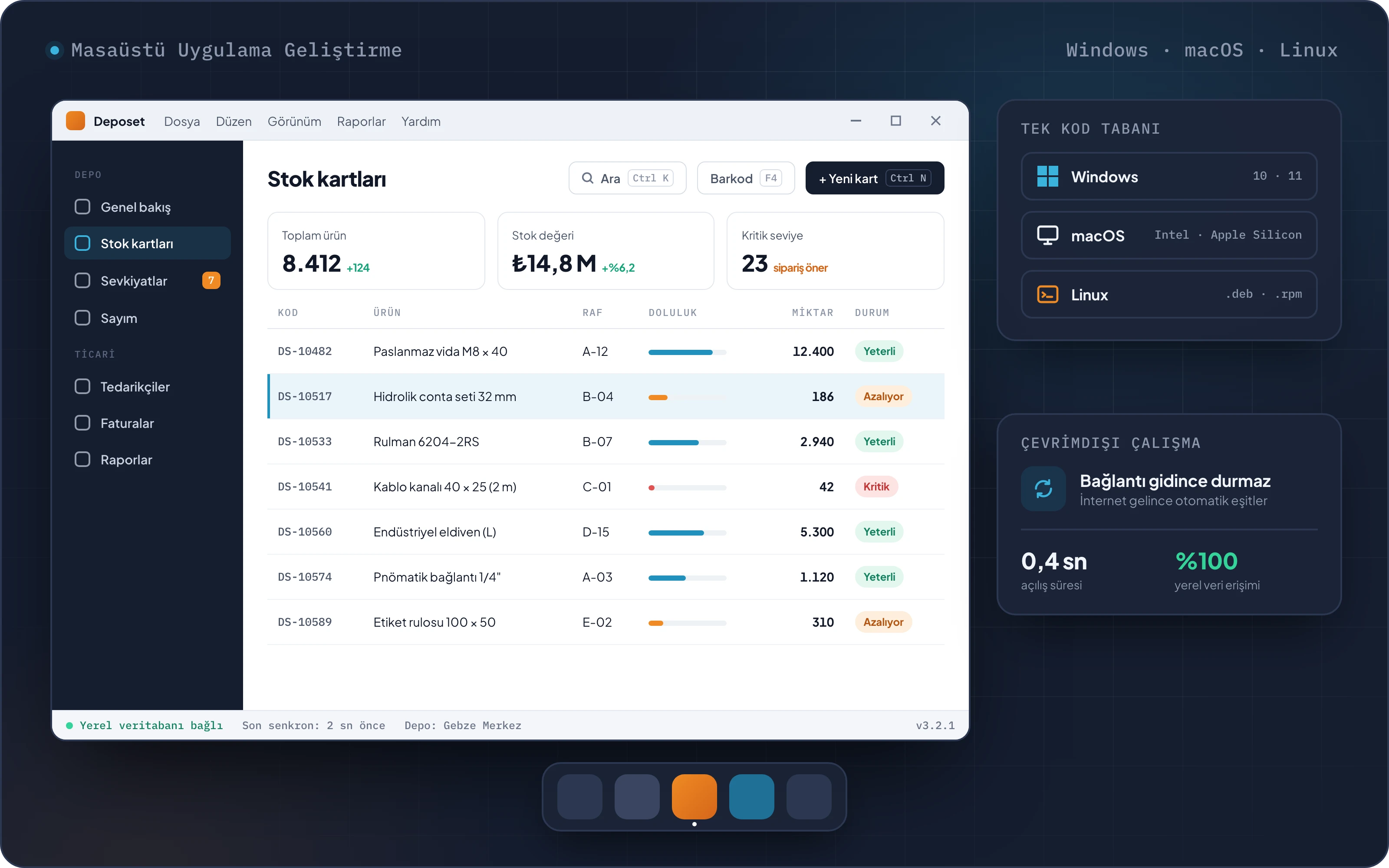
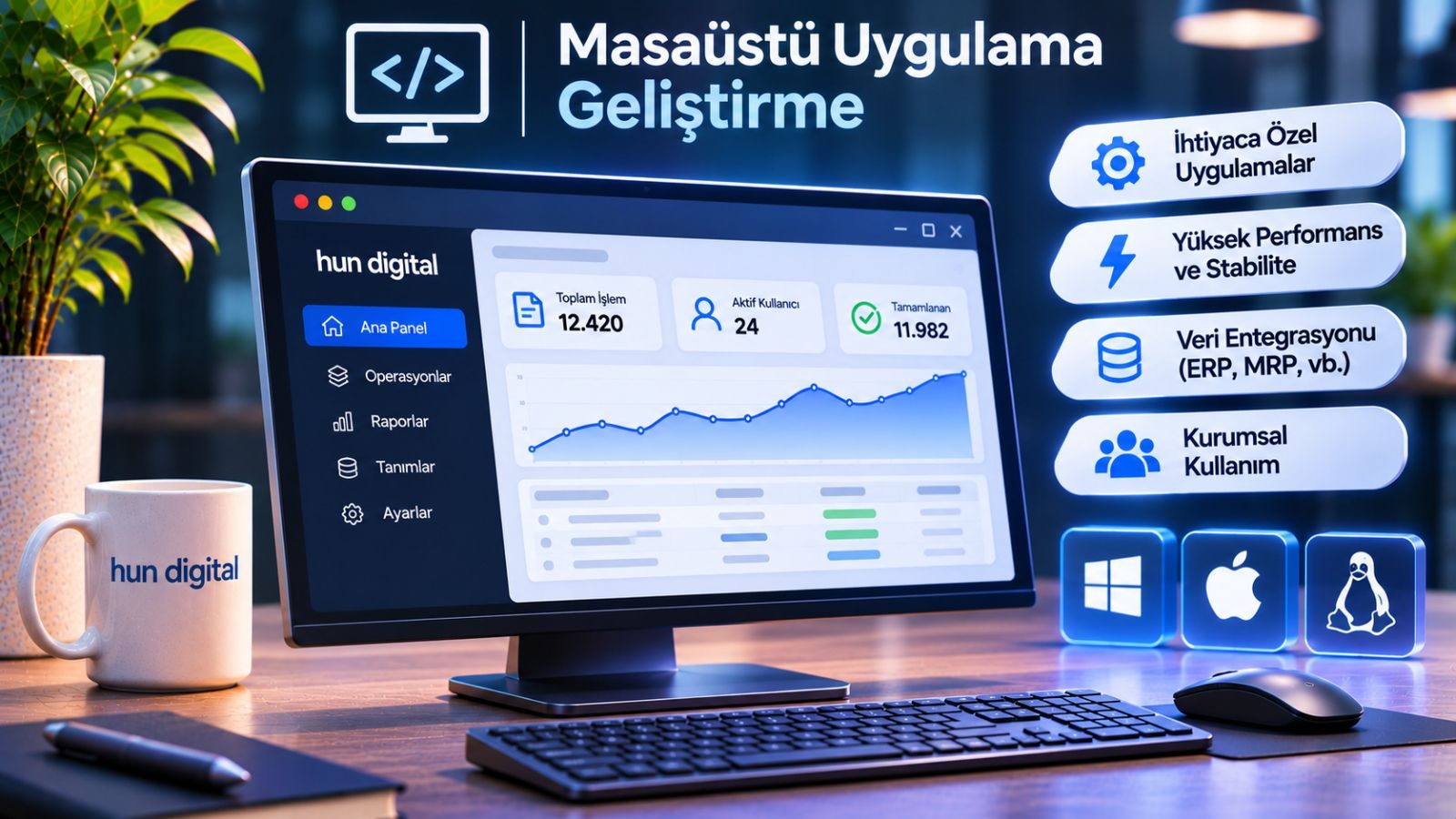
With our desktop application development service, you can run your business operations from the computer, communicate easily with local devices and get solutions that work with your existing systems.
- Built for Windows and macOS
- Local Device and Hardware Integration
- API and Central Admin Panel Connectivity
- User Authorization and Account Management
Digitizing Business Operations With Desktop Applications
Being able to manage business processes from a computer, communicate directly with local devices and equipment, and handle data and files securely is critical for businesses. Web-based solutions may fall short in some scenarios or run into limitations where real-time communication with devices is required. This is where desktop applications, shaped around your needs, offer significant advantages.
Who Is It For?
- SMBs and growing businesses: Companies that want to boost operational efficiency and move manual processes into digital tools.
- Manufacturing plants and industrial organizations: Teams that want to collect data from devices, control machines and set up a central software infrastructure.
- Enterprises: Organizations that need internal software such as in-office management tools and employee or document tracking systems.
- Tech startups and R&D teams: Projects that need a desktop client to deliver secure, platform-specific functionality to their users.
What Requirements Does It Meet?
Desktop software stands out for certain business needs. Direct communication with hardware, time-sensitive data processing and offline operation are at the top of the list. File and folder management, user account control and system performance requirements are also among them. It's also a good approach for applications that need to send data to a central server regularly or work in tandem with cloud systems.
The Flexibility of Custom Desktop Software
Every business has its own digital transformation journey and internal dynamics. Desktop applications can be adapted to your organization's specific processes instead of being limited to one-size-fits-all templates. We build cross-platform (Windows and macOS), manageable software architectures that can take on new modules when needed. That way, your desktop application easily adapts as your needs evolve in later stages of your business.
A Modern Technology Stack
JavaScript and React-based interfaces deliver a fast, user-friendly experience. Modern technologies such as Tauri and Rust allow performance-critical local operations to run securely. With a powerful backend like Laravel, we can build solutions that interact with your central admin panel or cloud systems. This enables data flow and collaboration between desktop clients and web-based management systems.
When Is a Desktop Application the Right Choice?
- Processing data from devices in a desktop application, then transferring it to a central system
- Running operations without local network or internet access
- Connecting directly to specific hardware (barcode scanners, printers, sensors, production machines, Android devices, etc.)
- Controlling complex business processes in line with network and security requirements
- Keeping authorization, user management, data records and transactions on the local computer
Organization-Specific Integrations
Every desktop application is designed to fit your existing systems and working environment. API connections enable data exchange with web-based tools or third-party software. File and data management can be customized for secure transfer between local and central systems. Technical needs such as communicating with Android devices over ADB are handled specifically for your project.
Our Areas of Expertise
We take an end-to-end approach to desktop application development projects. Windows and macOS compatibility, direct communication with devices and data management are all part of that approach. We also cover work that requires central/authorized user controls and background service integration. Clients that work with web-based admin panels enable shared data processing across computers in different locations. In every project, we focus on a sustainable software architecture that stays open to features and modules you may add in the future.
If your desktop application needs to share data with a central server or web system, we can look at API and system integrations. If you want the same functionality available in the browser too, we can explore web application development together. Once the application is live, it can be kept up to date with software maintenance and technical support.
01 What we offer
Scope of the service
-
01
Built for Windows and macOS
Depending on the project, we can build native applications that run on Windows and macOS computers.
-
02
Local Device and Hardware Integration
We can integrate interaction with hardware such as barcode scanners, printers, sensors, production equipment or Android devices into your software.
-
03
API and Central Admin Panel Connectivity
Data can flow between the application and central servers, web-based management systems or third-party software.
-
04
User Authorization and Account Management
We can tailor security requirements such as user roles, session management and access controls to your application.
-
05
File and Data Management
Local or central storage, data transfer and file operations can be designed into the application to match your requirements.
-
06
Modular, Extensible Architecture
We provide a modular software foundation so new features or devices can be added easily in the future.
02 How we work
Our process
-
01
Needs and Device Analysis
Together, we analyze your business processes, the devices involved and your integration requirements.
-
02
Technical Architecture and Integration Plan
We define the application's technology stack, target platforms and integration points.
-
03
Interface and Software Development
We design and code the application and build in the agreed features.
-
04
Operating System and Hardware Testing
We verify that the software runs smoothly across different operating systems and devices.
-
05
Installation and Go-Live
We install the application for end users and integrate it with your systems.
03 FAQ
Frequently asked questions
If something else is on your mind, write to us and we will reply the same day.
04 You may also like
Related services
Other services that are often chosen together.
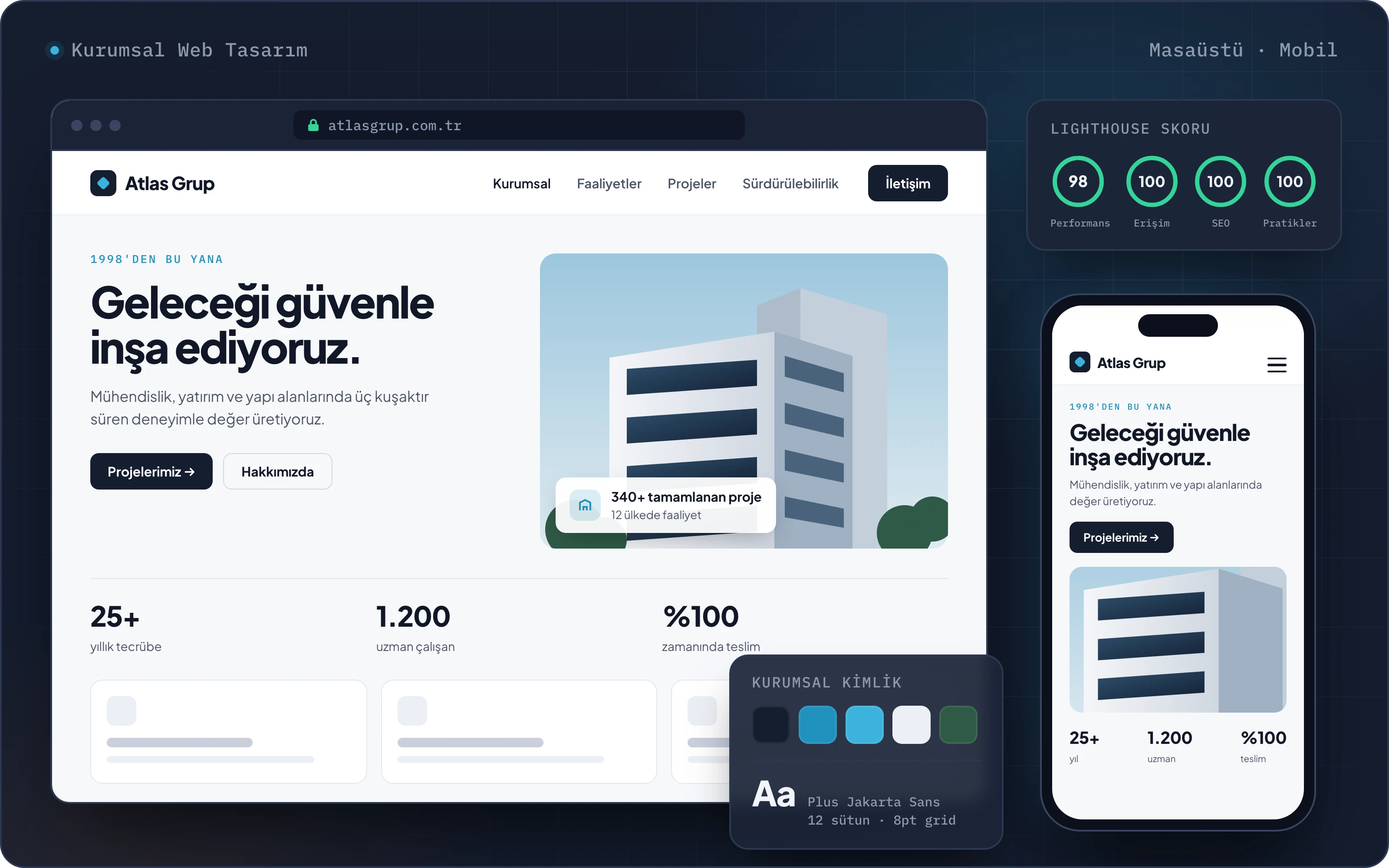
Corporate Web Design
Our corporate web design service is planned around your brand's specific needs and a manageable platform, so your site meets today's digital requirements and is ready for tomorrow's.
Learn more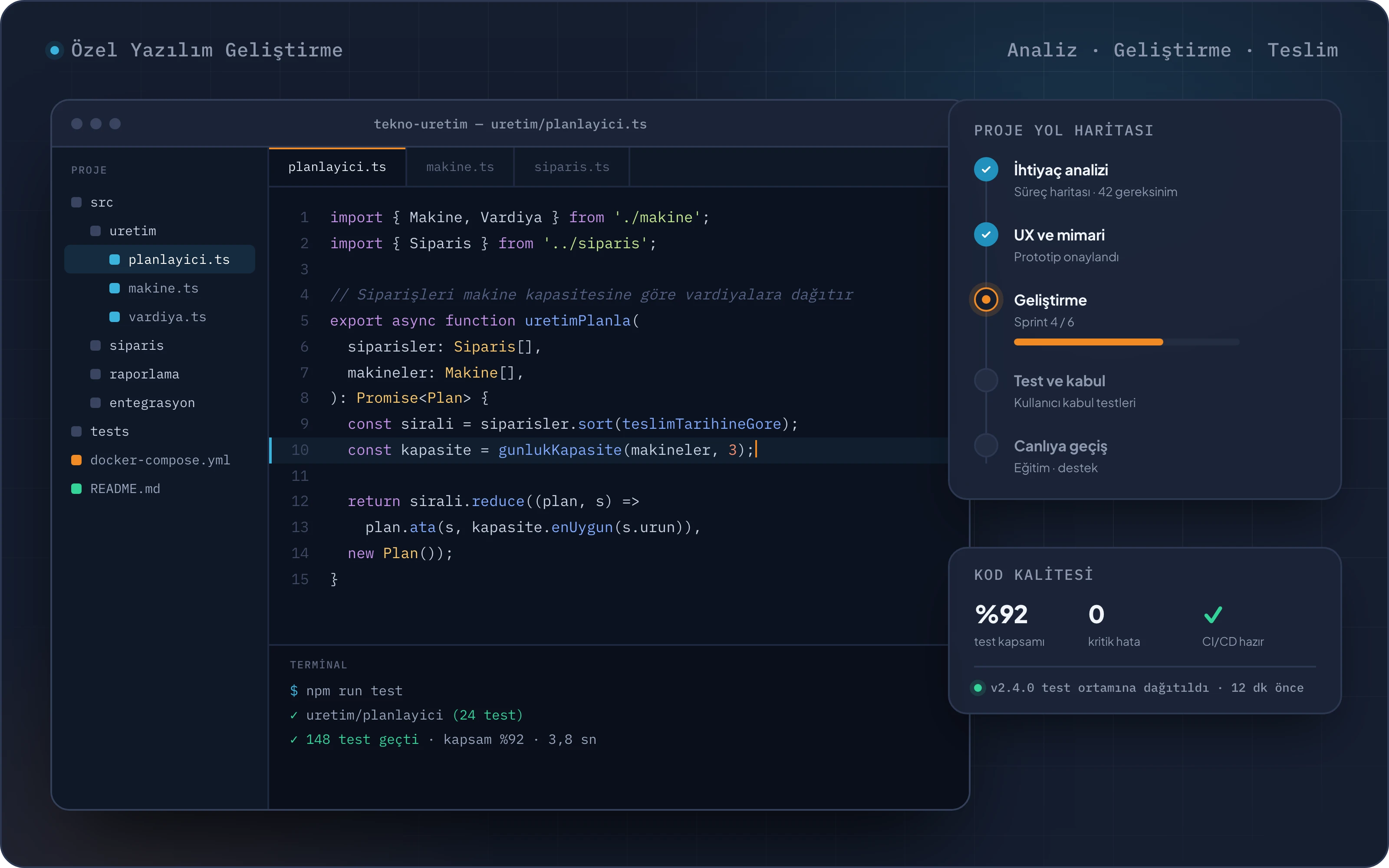
Custom Software Development
Build a sustainable system foundation with flexible, manageable custom software that fits your processes and supports your digitalization, integration and growth goals.
Learn more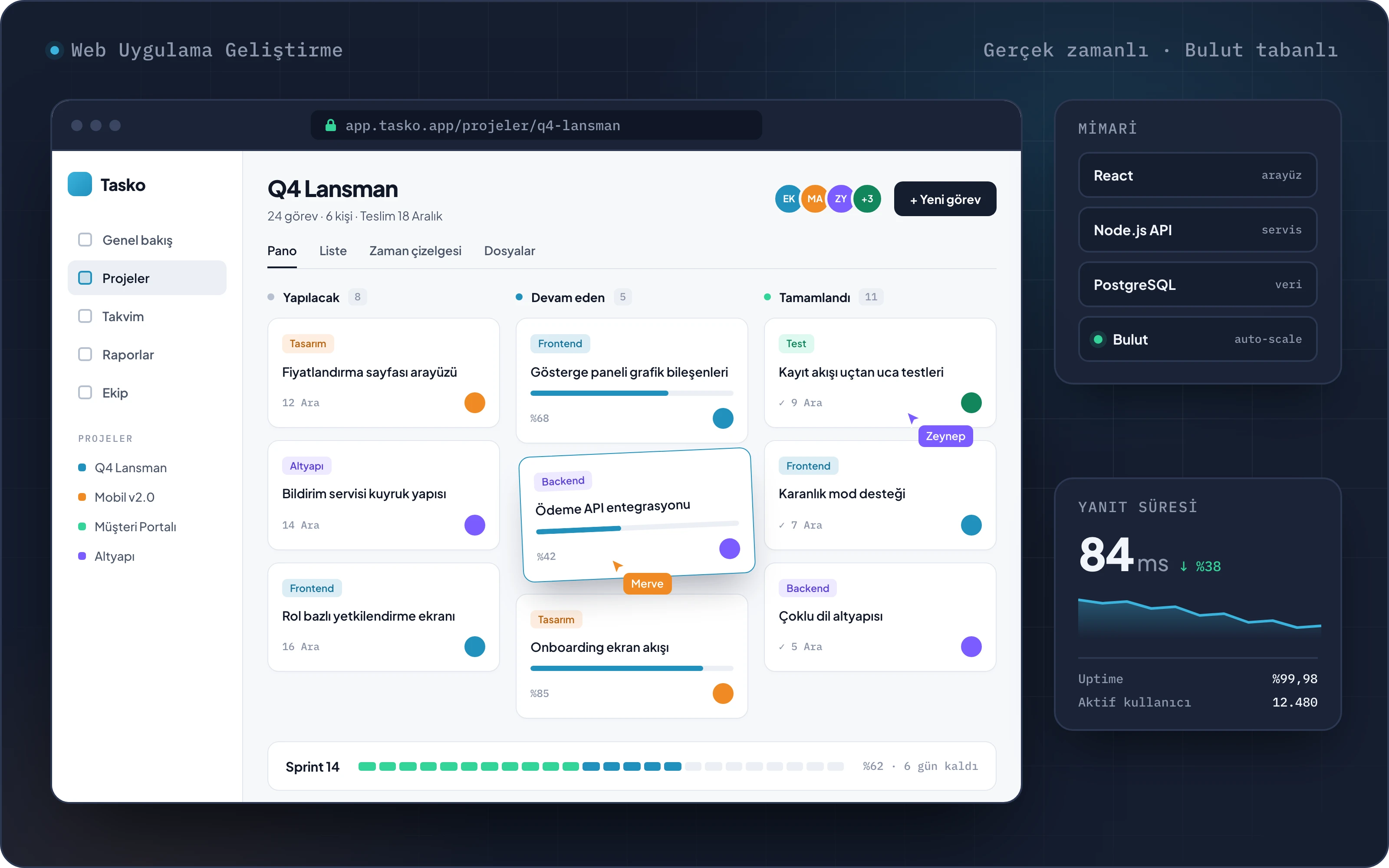
Web Application Development
Our web application development service delivers sustainable, secure web-based software built around your business's needs.
Learn moreLet's start
Let's bring your project to life
Tell us your goals and we will prepare a tailored strategy and quote.
- Reach us directly
- +90 544 547 71 69
- info@hundigital.com