
Are your dealers still sending orders by phone, WhatsApp message or email? That works with a few dealers, but as the network grows, errors and delays pile up. A dealer portal brings these orders together on a single screen and shows each dealer their own prices, stock information and account status. In this article, we explain what B2B ecommerce is, how it's set up and what you need to watch out for.
What Is B2B Ecommerce, and How Is It Different from B2C?
B2B means business-to-business sales. B2C means a business selling to end consumers. Both take orders online, but they work very differently.
On a retail site, everyone sees the same price and pays by card. On the B2B side, every customer has a separate agreement. One dealer may get an extra discount while another works on payment terms. Order quantities are large, and payment is often made on account.
| Topic | B2C store | B2B system |
|---|---|---|
| Price | Same for everyone | Specific to the dealer or group |
| Payment | Card, bank transfer | On account, payment terms, checks |
| Orders | Small quantities | Bulk and recurring |
| Access | Open to everyone | By membership and approval |
| Connections | Shipping and payment | ERP, accounting, warehouse |
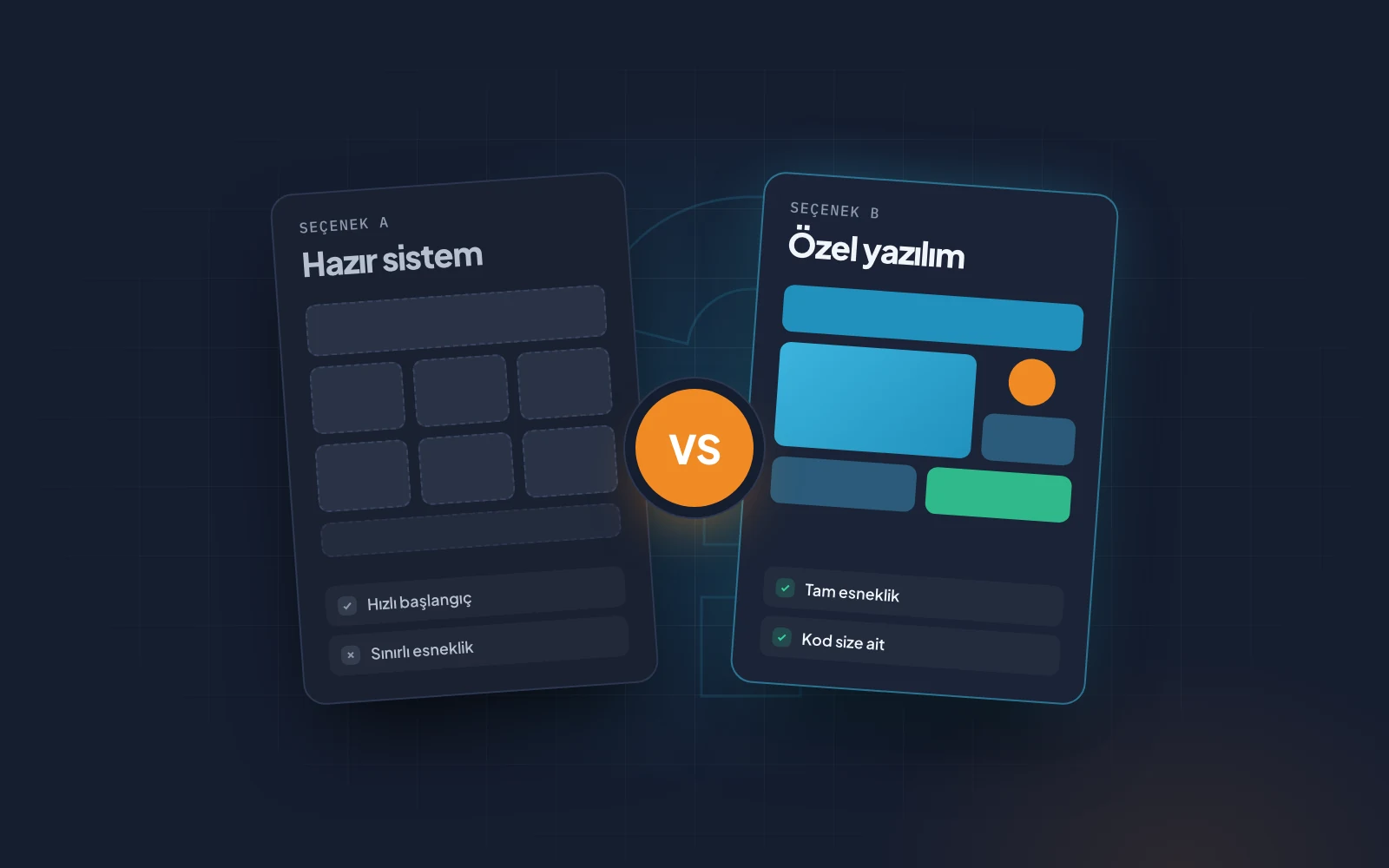
That's why taking a B2C platform and using it for B2B often isn't enough. We covered the choice between an off-the-shelf system and custom software in detail in our guide to choosing an ecommerce platform.
What Does a Dealer Portal Do?
A dealer portal is a closed ordering site that only dealers can log into. A dealer logs in with their own account, sees products at their own prices and places their order. You track all orders from a single panel.
The main benefits are:
- Order-taking isn't tied to business hours; dealers can order whenever they want.
- Errors from product codes and quantities misheard over the phone decrease.
- The sales team spends time on dealer relationships instead of writing up orders.
- Dealers can see their own balance, invoices and order history.
- Campaign and new product announcements reach all dealers at the same time.
How Do You Manage Dealer-Specific Pricing and Discounts?
Pricing is the most complex part of B2B sales. The same product goes to different dealers at different prices. Managing this by hand is difficult and error-prone.
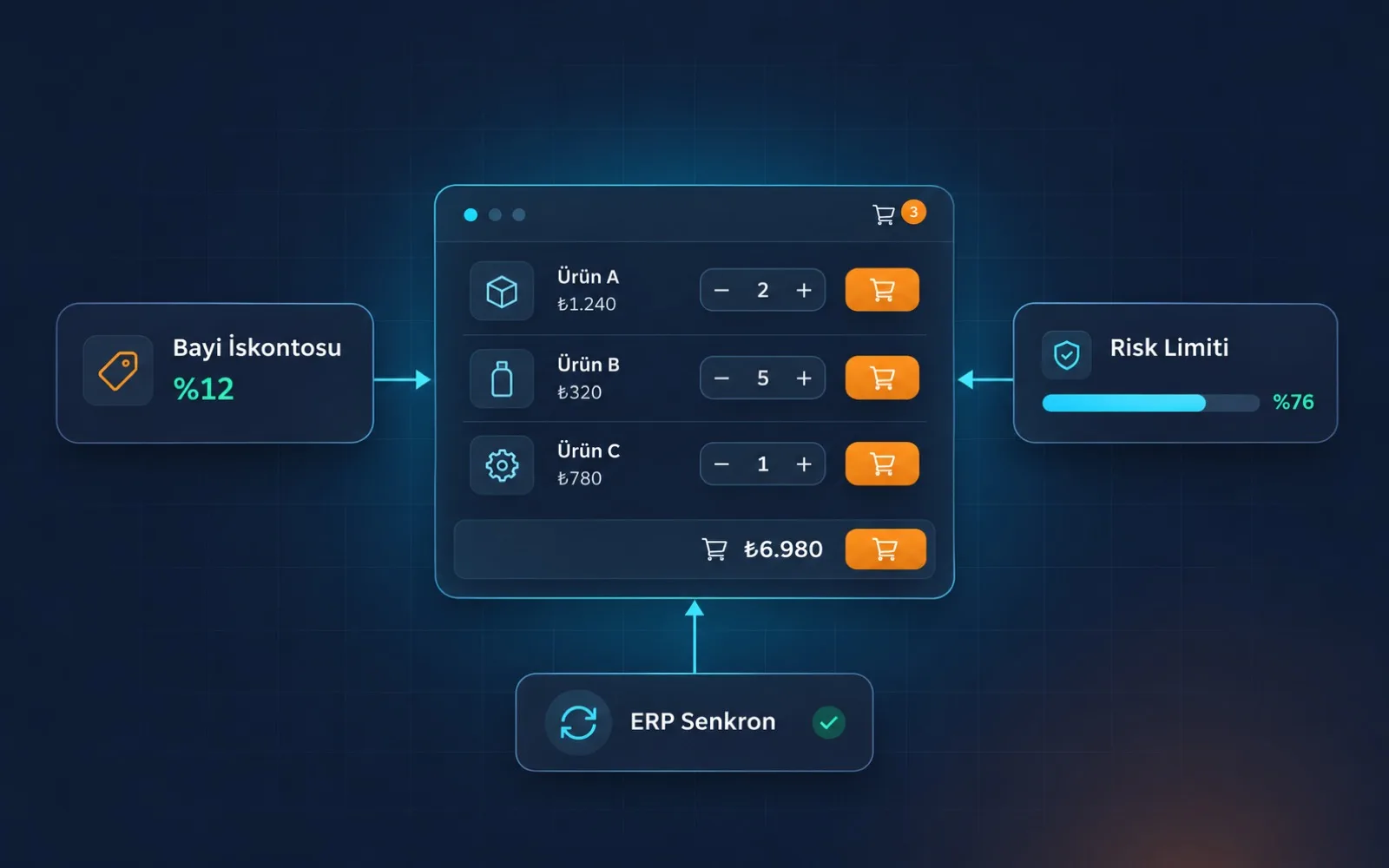
In a good system, pricing rules are built in layers. First there's a list price. Then a discount is added based on the dealer group, for example group A and group B. At the top are dealer-specific agreements. Additional discounts can also be defined by product or brand.
Tiered and Promotional Pricing
Some companies lower the price as quantity increases. For example, one price applies to buyers of one case, and a lower price to buyers of ten cases. Promotions valid on specific dates can also be defined. When a dealer adds a product to the cart, they should clearly see which rule is being applied.
Why Do Account Balances and Credit Limits Matter?
In B2B sales, payment often isn't made at the time of the order. The dealer receives the goods, the debt is recorded to their account and they pay when it's due. That's why the portal needs to show account information accurately.
The credit limit determines the maximum amount a dealer can owe. If a new order exceeds the limit, the system issues a warning or sends the order for approval. This keeps collection risk under control. The dealer also sees their balance, amounts due and open invoices on a single screen.
Account and limit information usually comes from the accounting or ERP software. If this information is transferred manually, it quickly goes out of date. That's why integration is the most critical part of the setup.
How Do ERP Integration and Stock Sharing Work?
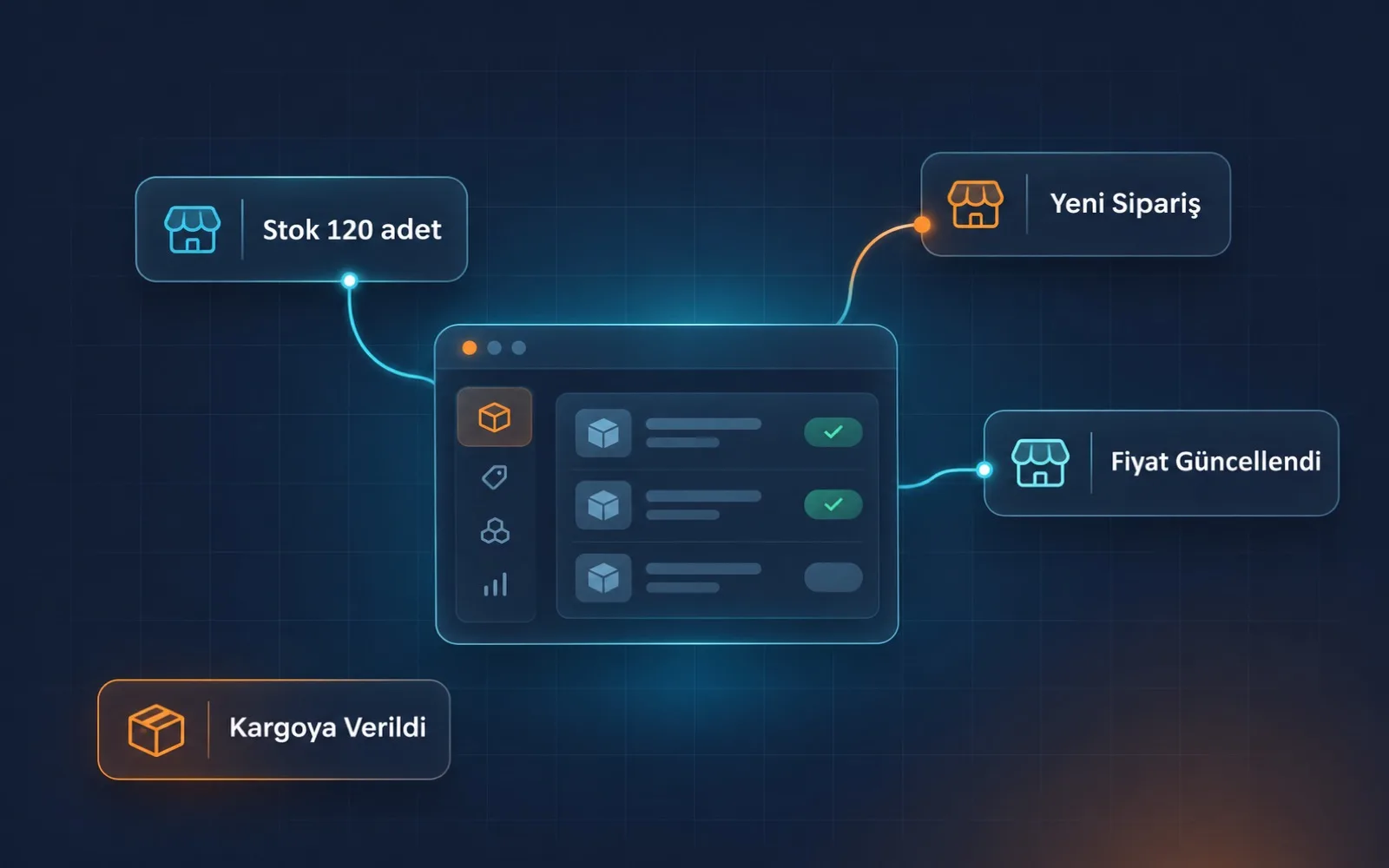
A dealer system shouldn't sit there like an island. Product, price, stock, account and invoice information already lives in your ERP or accounting software. The portal reads this information from there and writes orders back to it.
This connection is usually built through an API. Some information flows in real time, while some is synced at set intervals. For example, stock and prices may be updated frequently, while product descriptions can be pulled once a day. We plan connections like these as part of our API and system integrations work. If you don't have a suitable ERP, you may need to build that foundation first with ERP and CRM software development.
Stock Sharing and Dropshipping
In some setups, the product isn't in your warehouse but in a supplier's or another company's warehouse. With stock sharing, the stock of multiple warehouses is shown in a single list. In the dropshipping model, the order is forwarded to the company holding the product, and the shipment goes out from there.
For example, in the shared-stock spare parts ecommerce project we built for Şahin Oto and Binbir Oto, the main task was bringing the two companies' stock together in a single sales structure. The same approach matters for companies that also sell on marketplaces. We covered this topic in our article on marketplace integration.
How Do You Set Up Dealer Users and Permissions?
Several people work at a dealer company. The purchaser places orders, the accountant checks statements and the owner gives approval. That's why each dealer account should support multiple users.
- Ordering permission: Who can create a cart, and who approves the order?
- Finance permission: Who can see account statements and invoices?
- Branch separation: For dealers with multiple branches, each branch sees its own orders.
- Approval workflow: Orders above a certain amount go to a manager.
Permissions are separated on your side too. A sales rep sees only the dealers in their region, while a manager monitors the entire network.
How Do You Make Bulk Ordering and the Dealer Experience Easier?
Dealers don't want to browse like retail customers. They know what they're buying and want to finish quickly. That's why B2B screens should be simple and fast.
- Quick search by product code and entering quantities for many products on a single screen
- Placing bulk orders by uploading an Excel file
- Repeating a previous order with one click
- Saved lists for frequently purchased products
- Tracking order status and shipping information
Mobile compatibility is also important. A field sales rep or dealer should be able to enter an order from their phone while in the warehouse.
What Are the Steps to Set Up a Dealer System?
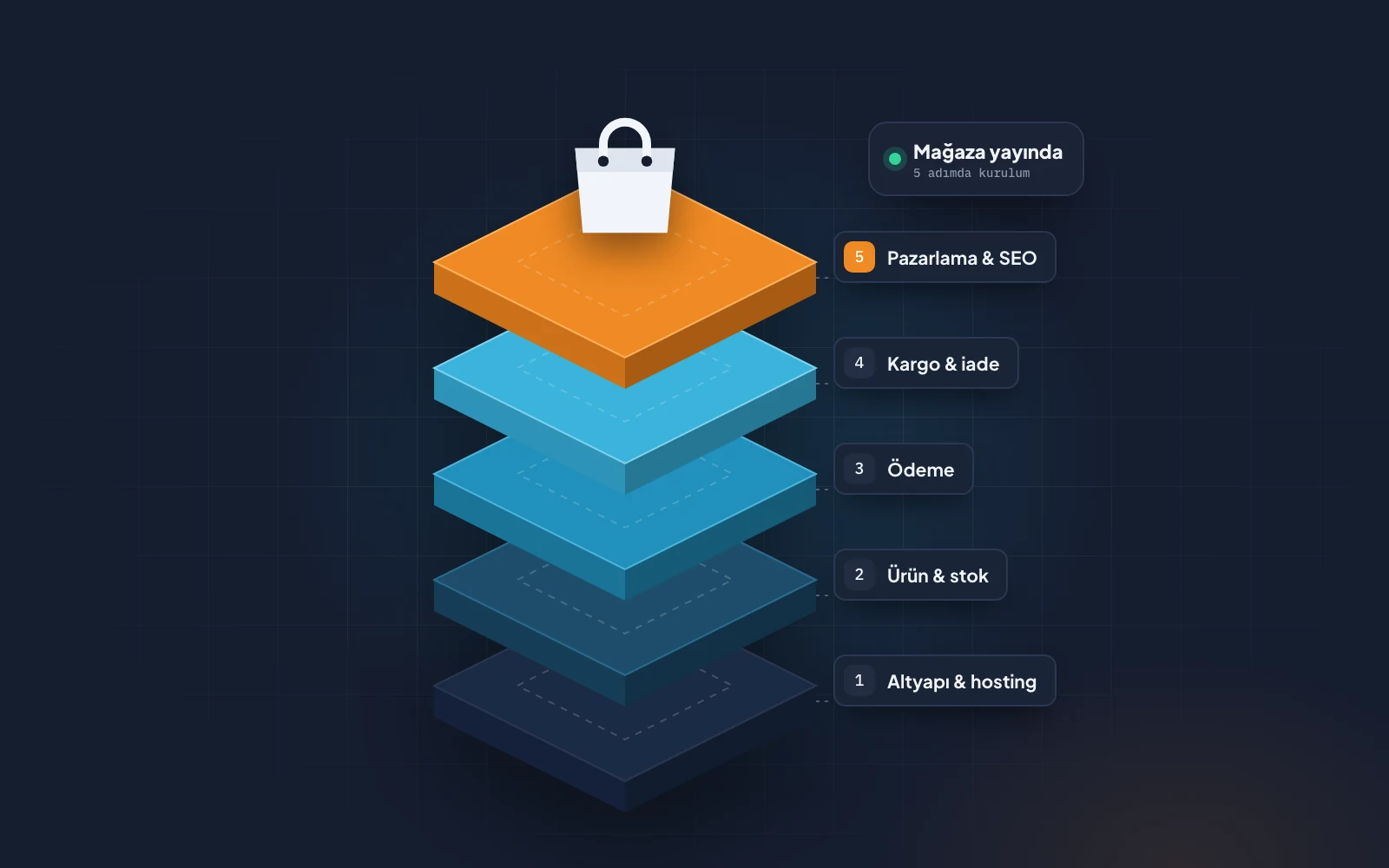
A B2B project starts with process, not software. First, the current way of working needs to be written down clearly. We usually approach projects in this order:
- Process analysis: Dealer types, pricing rules, payment methods and approval workflows are mapped out.
- Data preparation: Product codes, images, units and dealer records are cleaned up.
- Integration plan: It's decided which information will flow from which system, and how often.
- Design and development: The dealer screens and admin panel are built.
- Pilot use: The system is tested with a small number of dealers and feedback is collected.
- Rollout: All dealers are trained and the system goes live.
We recommend not skipping the pilot phase. Real dealers surface needs in the first week that no one thinks of at the desk.
If you also sell at retail, it makes sense to build both structures on the same product and stock data. In that case, handling the B2B side together with ecommerce development prevents duplicate data entry.
Frequently Asked Questions
- Can a dealer portal and a regular ecommerce site run on the same platform?
Yes. The same product and stock data is used, but dealers see their own prices through a separate login. What matters is keeping pricing and permission rules well separated. - How do dealers register in the system?
Usually the dealer fills out an application form and you approve it. Or you open dealer accounts yourself and send the login details to the dealer. - Our ERP is old. Can it still be integrated?
In most cases, yes. If the ERP has an API, database access or file transfer capability, a connection can be built. A technical review is needed first. - Can a dealer sell to their own customers?
In some projects, a feature is added that lets dealers create orders or prepare quotes for their own sub-customers. This need is clarified during the analysis phase. - Can online payments be accepted too?
Yes. In addition to on-account payment, options such as card payment, bank transfer notification or payment toward the account balance can be added. - How long does setup take?
It depends on the number of dealers, the complexity of pricing rules and the integrations. A firm timeline can be given once the analysis is complete.
Conclusion
Running B2B sales by phone and messages slows growth after a certain point. A well-built dealer portal brings pricing, account balances, stock and orders together in one place. In the setup, process analysis and integration matter as much as the software. If you'd like to talk about what kind of structure your dealer network needs, take a look at our B2B and dealer portal development page and get in touch with us.
Author
Enes Şahin
Writes on the Hun Digital blog