
You sell on Trendyol, Hepsiburada and n11 at the same time. When a product sells on one channel, stock is reduced by hand on the others, prices are updated one by one, and orders are collected from different panels. Marketplace integration is set up to manage this sprawl from a single place. In this article we explain how it works, where problems most often arise and which approach you can choose.
What Is Marketplace Integration?
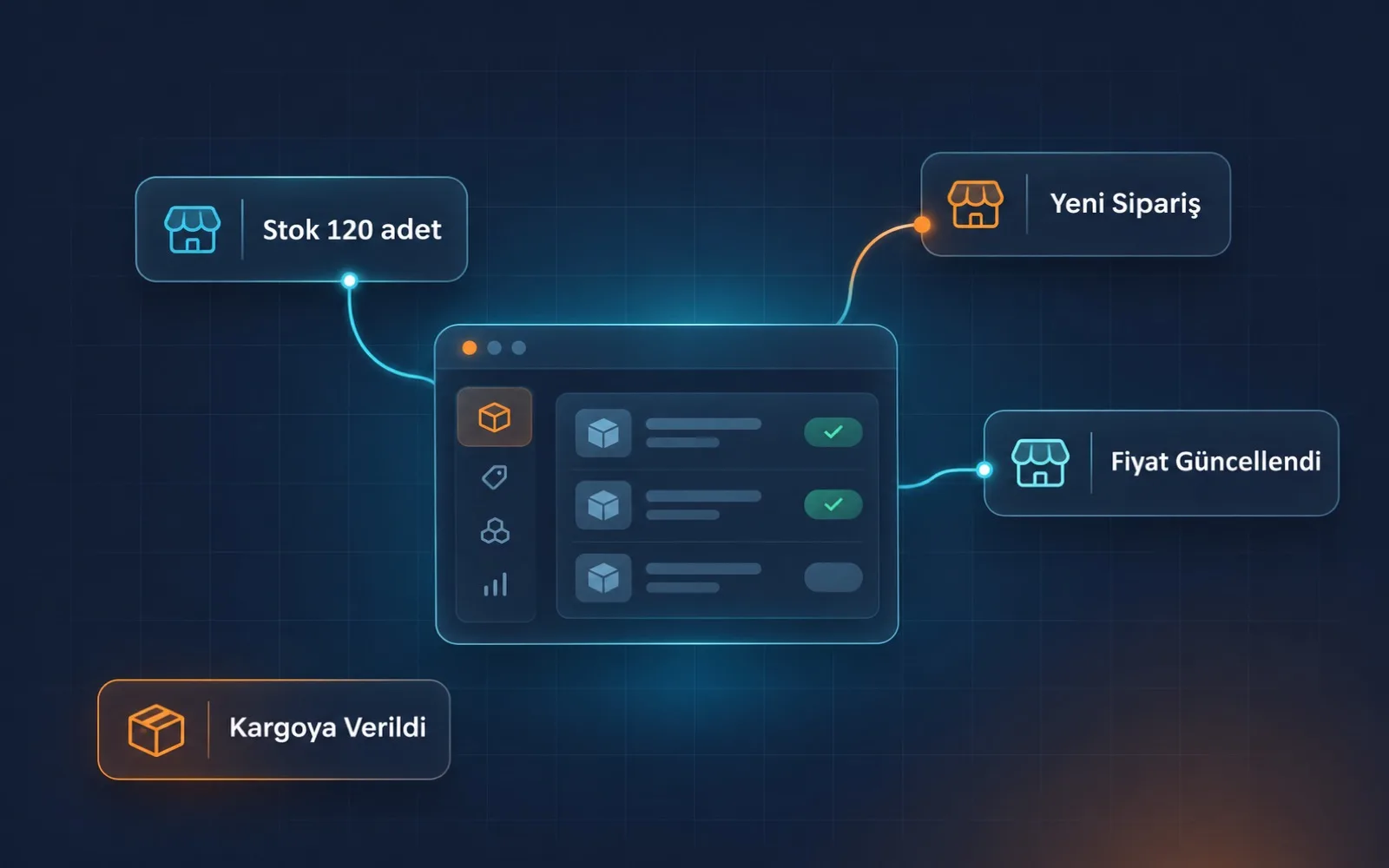
Marketplace integration is a setup that automatically connects your own ecommerce site or inventory software to marketplaces such as Trendyol, Hepsiburada and n11, Turkey's leading online marketplaces. The connection is made through the APIs (application programming interfaces) each marketplace offers its sellers. Product, stock, price and order information flows in both directions this way.
The core idea is simple: there should be a single source of truth for your data. You define a product once, stock changes once, and the system distributes that change to every channel. That way you don't have to repeat the same work in every panel.
How Are Products, Categories and Brands Mapped?
Every marketplace has its own category tree and attribute list. The "Men's Sneakers" category on your site shows up on a marketplace under a different name and with different required fields. That's why the first and longest job in an integration is mapping.
- Category mapping: You link each of your categories to its counterpart on each marketplace.
- Attribute mapping: Fields such as color, size and material are converted to the values the marketplace expects.
- Brand mapping: The brand name must match the record in the marketplace's brand list. Some brands may also require separate approval.
- Barcode and product code: Every product needs a consistent barcode and SKU. This is the key to matching.
Once mapping is done correctly, listing new products becomes much faster. When it's done wrong, products get rejected or appear in the wrong category.
Product content needs to match too
It's not just the fields; content rules also differ from channel to channel. Some marketplaces don't accept certain words in product titles. There may also be different rules for image size, background color and the number of images. Defining a title template and image set per channel in the integration lowers the rejection rate and makes listings look more consistent.
How Does Stock and Price Sync Work?
The biggest risk in multichannel selling is selling a product you don't have. When a product sells on your site, stock must also drop on every marketplace. Otherwise, canceled orders hurt your store rating.
Sync is usually done in one of two ways. The first is a bulk update at set intervals. The second is notifying the relevant channel the moment stock changes. For stores with frequent sales, real-time updates are safer. Marketplace API rate limits also need to be taken into account.
Another method is to reserve safety stock per channel. For example, you can take the last few units off sale on marketplaces and keep them only on your own site. This reduces the risk of overselling when orders come in at the same time.
How Are Orders and Shipping Notifications Managed?
The integration pulls orders placed on the marketplace into your system. Orders are listed on a single screen, invoiced and sent to the warehouse. Once the order ships, the tracking number is sent back to the marketplace.
- An order is placed on the marketplace.
- The integration pulls the order and reduces stock across all channels.
- The order is prepared and invoiced.
- A shipping label is created and the shipment details are sent to the marketplace.
- If the order is returned or canceled, the stock is added back.
The returns process is often neglected. When a customer sends a product back, you need to check whether it's still in sellable condition. If a damaged product is automatically added back to stock, the next order will run into trouble. That's why it's healthier to route returns through an inspection step first.
Setting up this flow well greatly reduces how often the team has to jump between different panels. A connection to your invoicing and accounting software can be added to the same chain.
The Variant Problem: Why Do Duplicate Products Appear?
One of the most common problems in marketplace integration is the variant structure. If a T-shirt comes in five sizes and three colors, these should be grouped under a single product. If variants aren't grouped correctly, each size is listed on the marketplace as a separate product.
The result is the same product appearing in the listings over and over. This confuses customers and may also be treated as duplicate listings under marketplace rules. To fix it, pay attention to the following:
- Give each variant its own barcode, but link them all to the same parent product code.
- Make sure the variant attribute (color, size) matches the field the marketplace accepts.
- Separate images by variant; the red product's page shouldn't show a blue image.
- Use variant fields instead of adding size or color to product names.
How Do You Set Up Commission-Based Pricing Rules?
Each marketplace has a different commission rate, shipping agreement and campaign structure. That's why using the same price on every channel is often not profitable. By defining pricing rules in the integration, you can manage this difference automatically.
- Entering different commission rates by category
- Adding a percentage or fixed amount to the sale price per channel
- Including the shipping cost in the price or keeping it separate
- Stopping sales when a price drops below a set margin
- Using temporary price lists for campaign periods
When setting up the rules, check the current commission and shipping terms in each marketplace's seller panel. These rates can change over time.
Off-the-Shelf Integrator or Custom Integration?
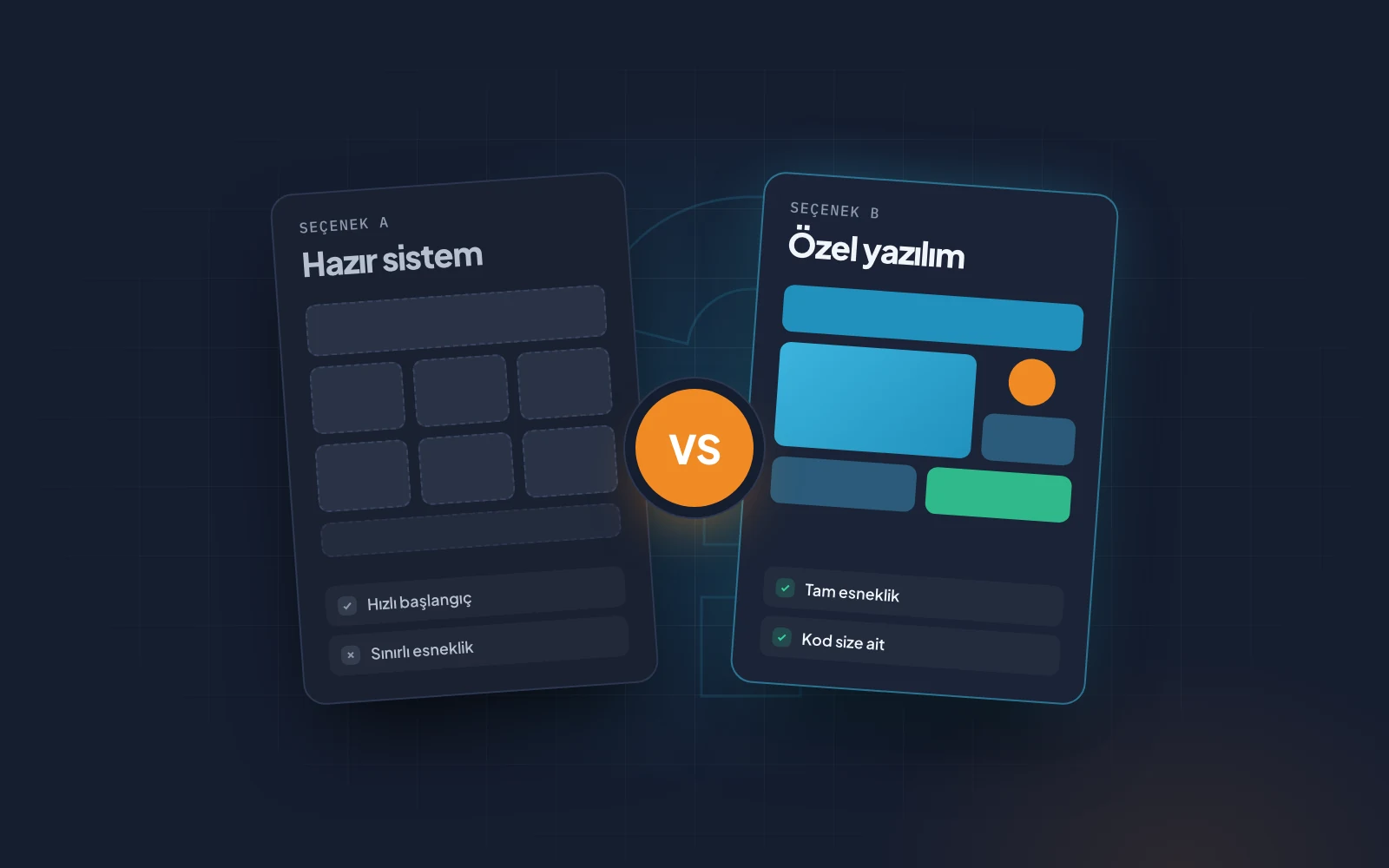
There are off-the-shelf integration tools on the market that run on a monthly subscription. There are also custom integrations built around a business's own infrastructure. Each has its place.
| Topic | Off-the-shelf integrator | Custom integration |
|---|---|---|
| Setup | Quick to get started | Requires analysis and development |
| Flexibility | Limited to the features offered | Shaped around your business rules |
| Cost structure | Recurring subscription | Development and maintenance costs |
| Best fit | Standard products, few custom rules | Complex inventory, ERP connection, custom pricing logic |
If you're just starting out with a standard catalog, an off-the-shelf solution may be enough. If you have multiple warehouses, dealer stock, custom pricing rules or your own ERP, a custom integration is a better fit. This decision should be made together with your platform choice. Our article on off-the-shelf platforms vs. custom software offers guidance here. If you're starting from scratch, our guide to building an ecommerce website will also help.
How We Work at Hun Digital
We start with the product data. If the barcodes, variant structure and category tree aren't clean, we fix those first. Then we build an integration layer that connects to the marketplaces' APIs, raises alerts when errors occur and keeps logs. We draw on our API and system integrations experience when designing this layer. Before going live, we test with a handful of products and try out the stock and order flow with real scenarios.
The marketplace-integrated ecommerce platform we built for Luna Pırlanta is one of the projects where we handled the website and marketplaces together. For setups where multiple sellers share stock, the shared-stock spare parts ecommerce we built for Şahin Oto and Binbir Oto follows similar logic.
Frequently Asked Questions
- Do I need my own website for marketplace integration?
No. The integration can also connect to inventory or ERP software. However, if you have your own site, managing every channel from one place becomes easier. - How often should stock be updated?
It depends on your sales velocity. For stores with frequent sales, updating the moment stock changes is safer. Marketplace API limits should also be kept in mind. - My products are already listed on the marketplace. What happens to them?
They can be matched with existing listings via barcode or SKU. That way you don't need to list the products again. - Can I set a separate price for each marketplace?
Yes. Pricing rules can be defined per channel. Commission and shipping differences can be applied automatically with these rules. - What should I watch out for with products that have variants?
Each variant should have its own barcode, and all of them should be linked to the same parent product code. Otherwise you may run into duplicate product issues. - What happens if the integration breaks?
A well-built setup logs errors and sends alerts. That way, a problem with stock or order transfer is caught before it grows.
Conclusion
Marketplace integration takes multichannel selling off your plate as a manual burden. Success comes from clean product data, correct mapping, reliable stock sync and channel-appropriate pricing rules. If you'd like to bring your sales channels together on a single platform, take a look at our ecommerce development service.
Author
Enes Şahin
Writes on the Hun Digital blog