
If you sell rebar, you face the same question with every shipment: has this product been reported? İDİS is a record-keeping system set up to trace rebar from the mill all the way to the construction site. In this guide we explain the purpose of the system, who it applies to and how to file notifications with fewer errors.
What Is İDİS?
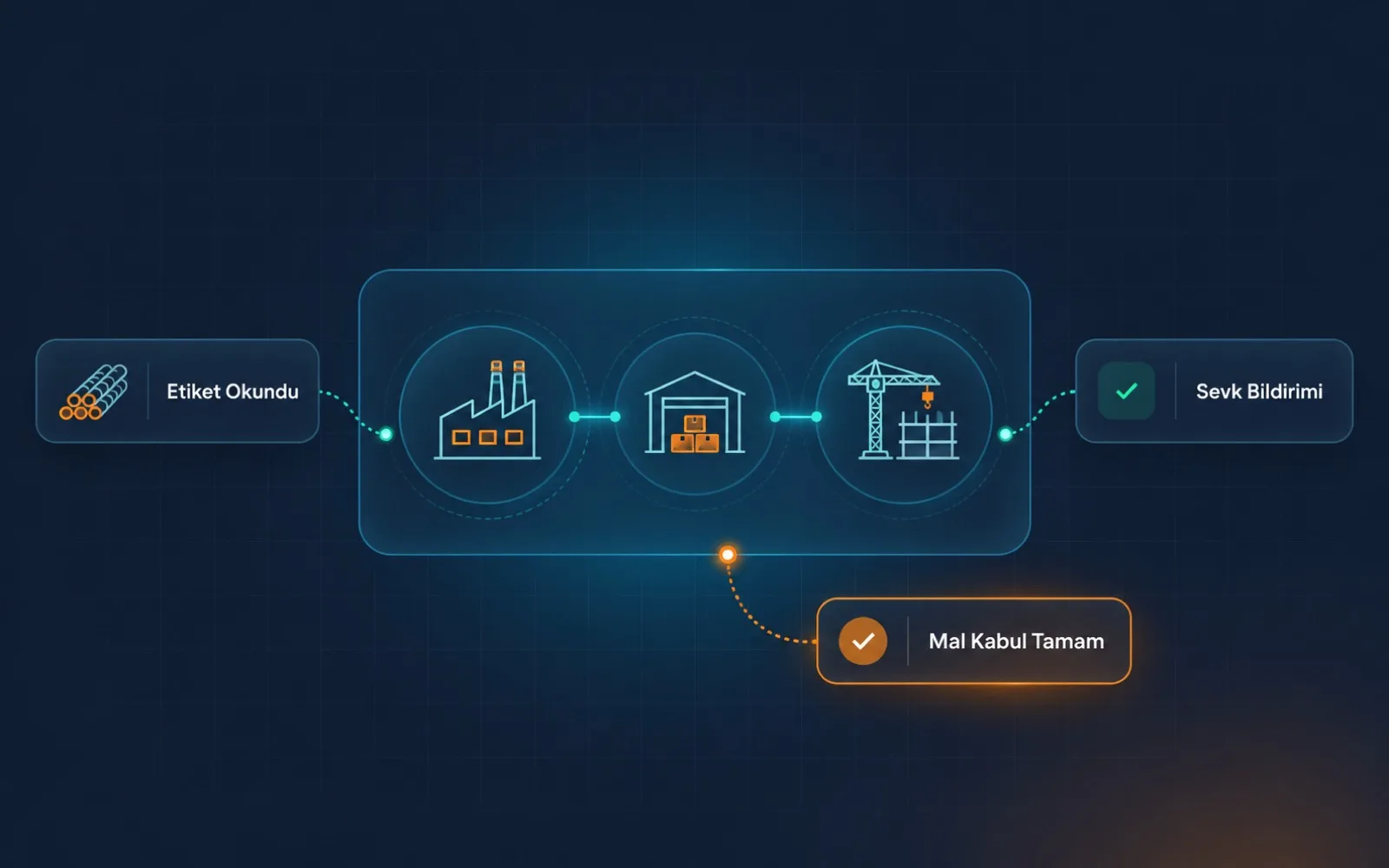
İDİS stands for "İnşaat Demiri İzlenebilirlik Sistemi," Turkey's Rebar Traceability System. It records which manufacturer the rebar used in reinforced concrete structures came from, which stages it passed through and which building it was used in. The system is an official traceability platform run by the government.
The goal is simple: when someone asks where the rebar in a building came from, it can be traced backward. This makes it harder for non-standard products or products of unknown origin to enter the market. In a country with high earthquake risk, traceability of building materials is an important part of safe construction.
The system shouldn't be seen merely as an official obligation. Accurate records also strengthen the business's own inventory discipline. You can see clearly which batch is in which warehouse and which product went to which customer. When a complaint or return comes in, you can reach the history of the product in minutes. This strengthens the business's hand in conversations with both customers and suppliers.
Who Does İDİS Apply To?
The system covers the parties in the rebar supply chain. In general, the following groups are part of this process:
- Manufacturers: The mills that produce the rebar and create the initial record.
- Importers: Companies that bring rebar in from abroad.
- Distributors and dealers: Trading companies that store, sell and ship the product.
- The construction side: The job sites where the product is used and the building inspection processes.
Which business must file which notification, and within what timeframe, is set by legislation. The rules may be updated over time. Check your own obligations against the official İDİS announcements and the relevant regulation. If needed, get an opinion from a legal or regulatory advisor.
What Are Goods Receipt and Dispatch Notifications?
The day-to-day operation of the system is built on two basic movements. Understanding these two concepts correctly makes the rest of the system easier.
Goods receipt notification
This is the recording in the system of products entering the warehouse or the business. The label details of the rebar received from the supplier are read, and the system is notified that it has entered the business's stock. If this step is skipped, the product still appears in the system under its previous owner.
Dispatch notification
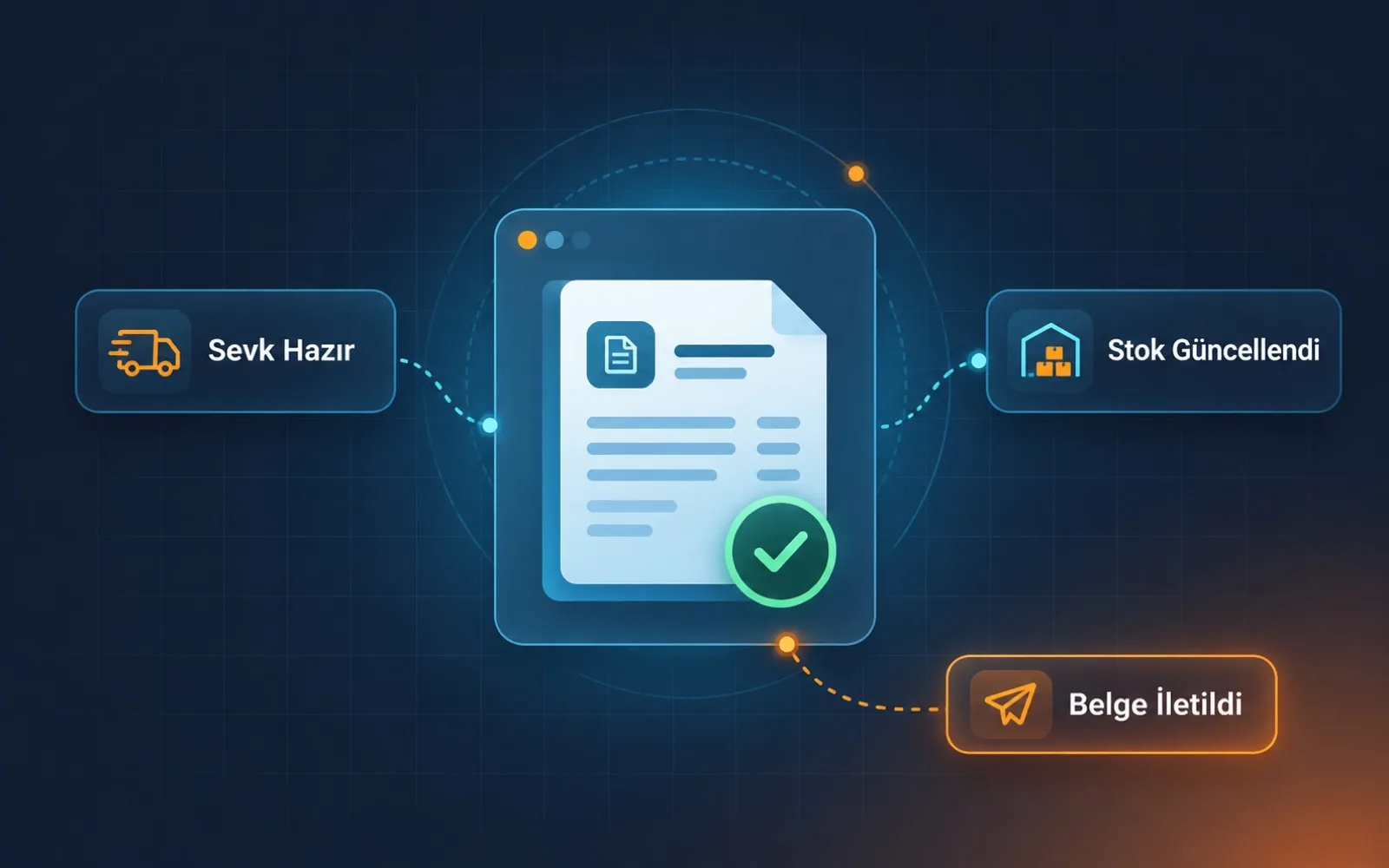
This shows that the product has left the business and been sent to the buyer. Which product, in what quantity, to whom and for which building is recorded with this notification. When the buyer accepts the dispatched product, another link in the chain is completed.
These two movements are also closely tied to the dispatch note that documents the physical transport of goods. If you're curious about the electronic side of dispatch documents, take a look at our article on switching to e-İrsaliye (Turkey's electronic dispatch note).
Why Are Barcodes and Labels So Important?
The foundation of traceability is the label on the product. The labels on rebar bundles carry the product's identity. Information such as the manufacturer, heat number, diameter and weight is read from this label.
- If the label can't be read, the notification can't be filed, or it's filed against the wrong product.
- When a bundle is split, it can become unclear which label belongs to which part.
- With manually entered codes, a single wrong digit ties the record to a different product.
That's why using barcode scanners in the warehouse and keeping the label moving with the product significantly reduces the risk of error. Having the scanned data go straight into the software also eliminates the need for a second manual entry.
Why Does Manual Reporting Get Harder?
A business with only a few shipments can file notifications by hand. But as volume grows, this method quickly becomes a burden.
- Double entry: The same shipment is entered separately into your own software and into the notification screen.
- Time pressure: The notification has to be completed while the truck waits at the loading area.
- Typos: When long label codes are entered by hand, errors are inevitable.
- Hard to track: You can't see at a glance which shipments have been reported and which are pending.
- Knowledge stays with one person: When the employee who knows the job goes on leave, the process stalls.
What these problems have in common is that the information is kept in two separate places. The solution is to generate the information in one place and send the notification from there. That way the warehouse, shipping and accounting teams all work from the same record, and it's clear who is waiting on what.
How Do You File Notifications With an ERP and Automation?
The most robust way to simplify reporting is to connect it to the business's own software. When a dispatch order is created in the ERP, the information needed for the notification is already there. Customer, product, quantity and building details don't have to be typed again.
- Labels scanned at goods receipt are stored together with the stock record.
- When a shipment is approved, a draft notification is prepared automatically.
- Pending, successful and failed notifications are tracked in separate lists.
- Who performed each action, and when, is recorded.
To build this flow end to end, a business process automation approach is used. Repetitive steps are taken off people's plates, and people step in only at review and approval points.
At Hun Digital, we developed a solution for exactly this need called UlakOS İDİS automation. For companies that want to manage stock, shipping and customer accounts on the trading side together, we also offer our rebar ERP software. As a real-world example, take a look at the rebar ERP implementation we delivered for Tokal Grup. For similar needs in metal trading, the metal trading management system we built for İleri Demir Çelik is another example.
How Can You Prevent Notification Errors?
Even with automation in place, the chance of error never disappears completely. What matters is catching errors early and fixing them quickly. A few simple habits help with this.
- Review pending and failed notifications at the end of every day.
- Log the error messages returned by the system and fix recurring ones at the source.
- Run stock counts regularly and track the difference between physical and recorded stock.
- Define a separate review step for returned and canceled shipments.
These records also make things easier in the event of an audit. Being able to show from a single screen when each product arrived and where it went cuts the time spent hunting for documents. And when a customer asks about a product's history, you can give a fast, reliable answer.
Don't forget the buyer side either. If a product you dispatched isn't accepted on the other end, it leaves a gap in the chain. Talking through the notification process with your regular customers and clarifying the expected steps speeds things up for both sides.
What Should You Watch for When Making the Switch?
- Map your current process: How do products enter the warehouse, how do shipments go out, and who files the notification?
- Clean up your stock data: The stock in the system must match the physical stock in the warehouse.
- Standardize your labeling: Clarify the rules for splitting bundles and relabeling.
- Define permissions: Make it clear who prepares notifications and who approves them.
- Test first: Try the flow with a limited number of transactions before moving to real shipments.
- Follow regulatory changes: Assign someone to keep track of official announcements.
Frequently Asked Questions
- Who needs to register with İDİS?
Businesses in the production, import, distribution and sales chain of rebar are subject to the system. Confirm your own situation against the official İDİS announcements and the relevant regulation. - What happens if a notification isn't filed?
Penalties for non-compliance are set out in the legislation. Check the current rules from official sources and, if needed, get an opinion from an advisor. - What is the difference between a goods receipt and a dispatch notification?
A goods receipt records a product entering the business; a dispatch notification records it leaving. Together they make it possible to trace the chain without gaps. - Can I file notifications from my own software?
To the extent the system's connection options allow, notifications can be prepared through software. That way the same information isn't entered twice. - What happens to the label when a bundle is split?
How split bundles are labeled and reported depends on the rules. Make sure your warehouse practice complies with them. - Does a small dealer need automation?
If you have few shipments, manual reporting may be enough. As volume grows, errors and lost time grow too, so automation becomes more efficient.
Conclusion
İDİS contributes to safe construction by making the origin of rebar traceable. For businesses, the real challenge is filing notifications accurately and on time. Generating the information in a single software system and sending notifications from there noticeably lightens this load. If you'd like to handle your stock, shipping and reporting processes together, take a look at our ERP and CRM software development service.
Author
Enes Şahin
Writes on the Hun Digital blog