
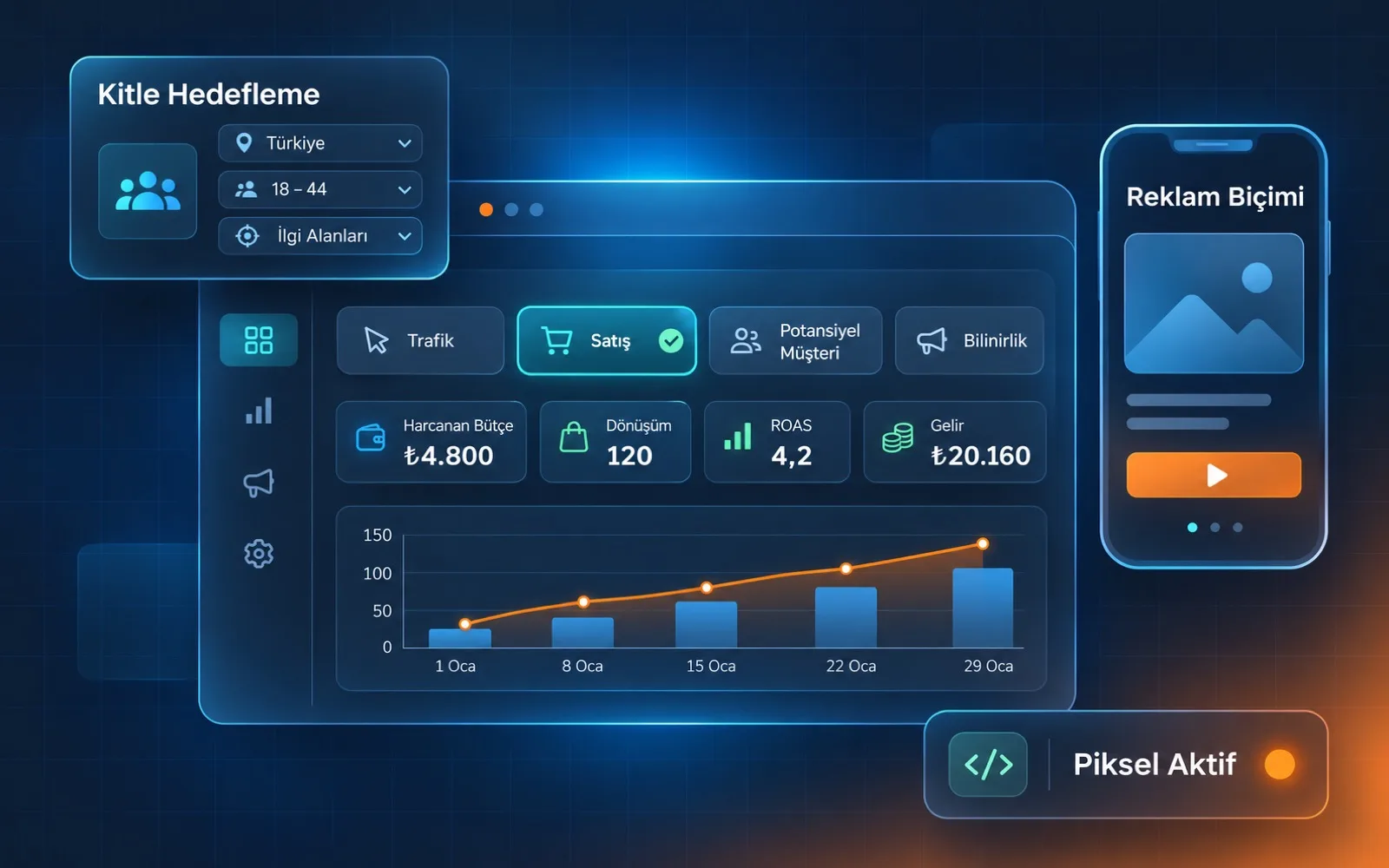
You want to show your product to the right people scrolling Instagram or checking their Facebook feed, but you don't know where to start. Meta Ads is an advertising system built for exactly this. In this guide, we explain in plain language how the system works, which settings affect results and the most common mistakes.
What is Meta Ads?
Meta Ads is the umbrella name for the system that lets you run ads on platforms owned by Meta. Facebook, Instagram, Messenger and the Audience Network are all part of this network. It used to be called "Facebook ads." When the company changed its name, the ad product started going by this name too.
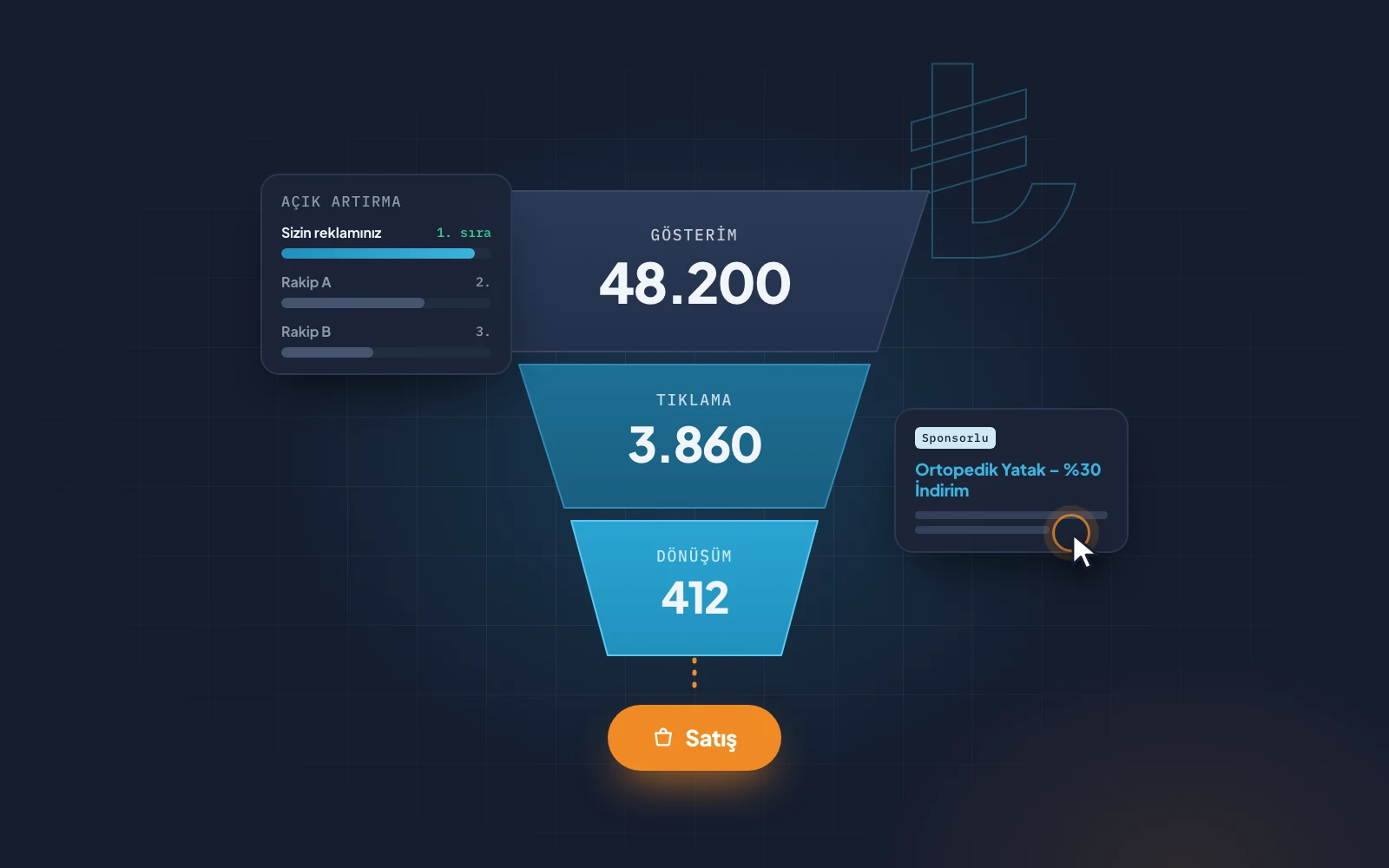
Ads are set up in a panel called Ads Manager. This is where you choose an objective, define an audience, enter a budget and upload your ad creative. The system shows your ad to the people you've chosen using an auction model, which means you're constantly competing with other advertisers who want to reach the same person.
In this auction, the bid amount isn't the only thing that matters. Meta also looks at how relevant the ad is to the user and the expected engagement. An ad that doesn't spark interest ends up being expensive, even with a large budget.
How is a campaign structured?
Every campaign consists of three layers. Understanding this structure is the first step toward using the panel correctly.
- Campaign: The layer where you choose what you want. Sales, leads or awareness?
- Ad set: Where you decide who sees the ad, where, when and with what budget.
- Ad: The image, video, copy and link the user sees.
A campaign can contain multiple ad sets, and each set can contain multiple ads. This lets you compare different audiences and different messages under the same objective.
Which campaign objective should you choose?
Your choice of objective directly determines who the system shows your ad to. If you choose the sales objective, Meta looks for people likely to make a purchase. If you choose the traffic objective, it finds people inclined to click. Those people aren't always buyers.
- Awareness: To reach a broad audience hearing about your brand for the first time.
- Traffic: To bring visitors to your website or app.
- Engagement: For likes, comments, messages or video views.
- Leads: To collect form submissions or call requests.
- App promotion: For app installs and in-app actions.
- Sales: For conversions such as purchases or add-to-carts on your site.
The rule is simple: choose the result you want to measure as your objective. Expecting sales while running a campaign with a traffic objective is one of the most common mistakes.
What are the targeting options?
Meta's strength comes from the different ways you can define an audience. There are three main audience types.
Core audiences
These are built from location, age, gender, language, interests and behaviors. For example, you can select people who live in a specific city and are interested in home decor. They're a good starting point for beginners.
Custom audiences
These are made up of people who already know you. Site visitors, people who have engaged with your Instagram account or your customer list all fall into this group. Retargeting campaigns are run with these audiences. When uploading a customer list, make sure you have the consents required under personal data regulations (such as KVKK, Turkey's Personal Data Protection Law).
Lookalike audiences
These find new people who resemble your existing customers. The cleaner and more meaningful the source audience, the more accurate the result. That's why choosing purchasers as the source, rather than just visitors, generally works better.
In recent years, Meta has increasingly favored broad targeting and its own algorithm. So instead of narrowing the audience too much, giving the system room to work with a strong ad and accurate measurement is often more effective.
What ad formats are there?
You can present the same message in different formats. The right format depends on your product and where the user sees the ad.
- Single image: Quick to prepare and suited to a clear message.
- Video: Powerful for showing how a product is used and telling a story.
- Carousel: Presents multiple products or features in a single ad.
- Collection: Provides a fast-loading, catalog-like shopping experience on mobile.
- Reels and Stories ads: Designed for vertical, full-screen, short-form content.
If you leave the placement setting on automatic, Meta distributes your ad to the most suitable placements itself. However, you need to prepare creatives in the right dimensions for each placement. A square image that looks cropped in Stories hurts both trust and clicks.
Why do the Meta pixel and Conversions API matter?
To know whether your ad is working, you need to know what happens on your site. The Meta pixel is a snippet of code added to your site. It reports events such as product views, add-to-carts and purchases to Meta.
However, because of browser restrictions and ad blockers, the pixel can't capture every event. The Conversions API closes this gap by sending events directly from your server instead of the browser. It's recommended to set up both and to apply deduplication so the same event isn't counted twice.
Without a properly configured measurement setup, the algorithm can't learn who is buying. In that case, even a carefully designed campaign runs blind. Technical setup is the invisible but most critical part of ad management.
How does budget logic work?
There's no one-size-fits-all budget for Meta Ads. Budgets vary by industry, competition, product price and objective. That's why it's important to understand the logic before the numbers.
- Daily vs. lifetime budget: A daily budget spends roughly the same amount each day. A lifetime budget spreads spending out until the date you set.
- Campaign budget (Advantage+): You set the budget at the campaign level, and the system allocates more to the ad sets that perform well.
- Learning phase: A new ad set collects data before it starts delivering results. Making frequent changes during this period resets the learning.
A practical approach: start with a small but meaningful test budget. See which audience and ad work. Then increase the budget gradually. Doubling it all at once can make results unstable.
What's the difference between Meta Ads and Google Ads?
The two systems aren't rivals; they complement each other. The key difference lies in user intent.
| Topic | Meta Ads | Google Ads |
|---|---|---|
| User intent | Passive; the person is scrolling a feed | Active; the person is searching for something |
| Strength | Creating demand, visual storytelling | Capturing existing demand |
| Targeting | Interests, behaviors, lookalike audiences | Keywords and search intent |
| Suitable content | Images, video, Reels | Text, shopping, video |
If people aren't searching for your product yet, Meta will do more of the work. If you offer a service people are already searching for, search ads come to the fore. For details, take a look at our guide explaining how Google Ads works. If you want to run both channels together, planning your Google Ads management with the same measurement setup makes things easier.
What are the most common mistakes?
- Choosing the wrong objective: Running a campaign with an engagement or traffic objective while expecting sales.
- Launching without measurement in place: If the pixel and events don't work correctly, results can't be read.
- Constant tinkering: Changing the budget or audience every day disrupts the learning phase.
- Testing with a single ad: Making decisions without trying different images and messages.
- Neglecting the landing page: Even if the ad is good, a slow or confusing page loses the sale.
- Leaving the organic account empty: People who click an ad look at the profile. An empty profile doesn't inspire trust.
The last two items fall outside the ad panel, but they're among the factors that affect results the most. Working on conversion rate optimization to reduce drop-offs on the page increases the return on your ad budget. And for a consistent, trustworthy profile, social media management should be considered alongside your ads.
Frequently Asked Questions
- Are Meta Ads and Facebook ads the same thing?
Yes. Facebook ads started going by this umbrella name after the company became Meta. Instagram and Messenger ads are managed from the same panel. - Do I need a separate account for Instagram ads?
You don't need a separate ad account. Connecting your Instagram account to your Meta Business Portfolio is enough. Ads are still set up in Ads Manager. - How much budget should I start with?
There's no single right number. Budgets vary by industry, product price and objective. Starting with a small test budget to see which audience works, then increasing gradually, is the healthiest approach. - When will I see results?
Impressions start as soon as the ad is approved. However, the system needs some time to collect data and learn. It's important not to make frequent changes during this period. - Can I run ads without setting up the pixel?
You can, but you won't be able to measure results such as sales or form submissions, and the algorithm can't learn who converts. That's why the pixel, and the Conversions API if possible, should be set up. - Why was my ad rejected?
There may be wording, an image or a landing page that violates Meta's advertising policies. The panel shows the reason for rejection. You can edit and resubmit, or request a review.
Conclusion
When we at Hun Digital take over an account, we check the measurement first. If the pixel, Conversions API and event matching aren't right, we fix that before touching the campaigns. Then we choose objectives based on business outcomes and compare audience and ad combinations with small tests. In our reports, we highlight data that matters to your business, such as sales, leads and cost, rather than clicks.
When set up correctly, Meta Ads gets your product in front of people who don't know you yet but may be interested. The keys to success are the right objective, solid measurement, patient testing and a good landing page. If you'd like to set up your campaigns this way or have your existing account reviewed, take a look at our Meta Ads management service.
Author
Enes Şahin
Writes on the Hun Digital blog