

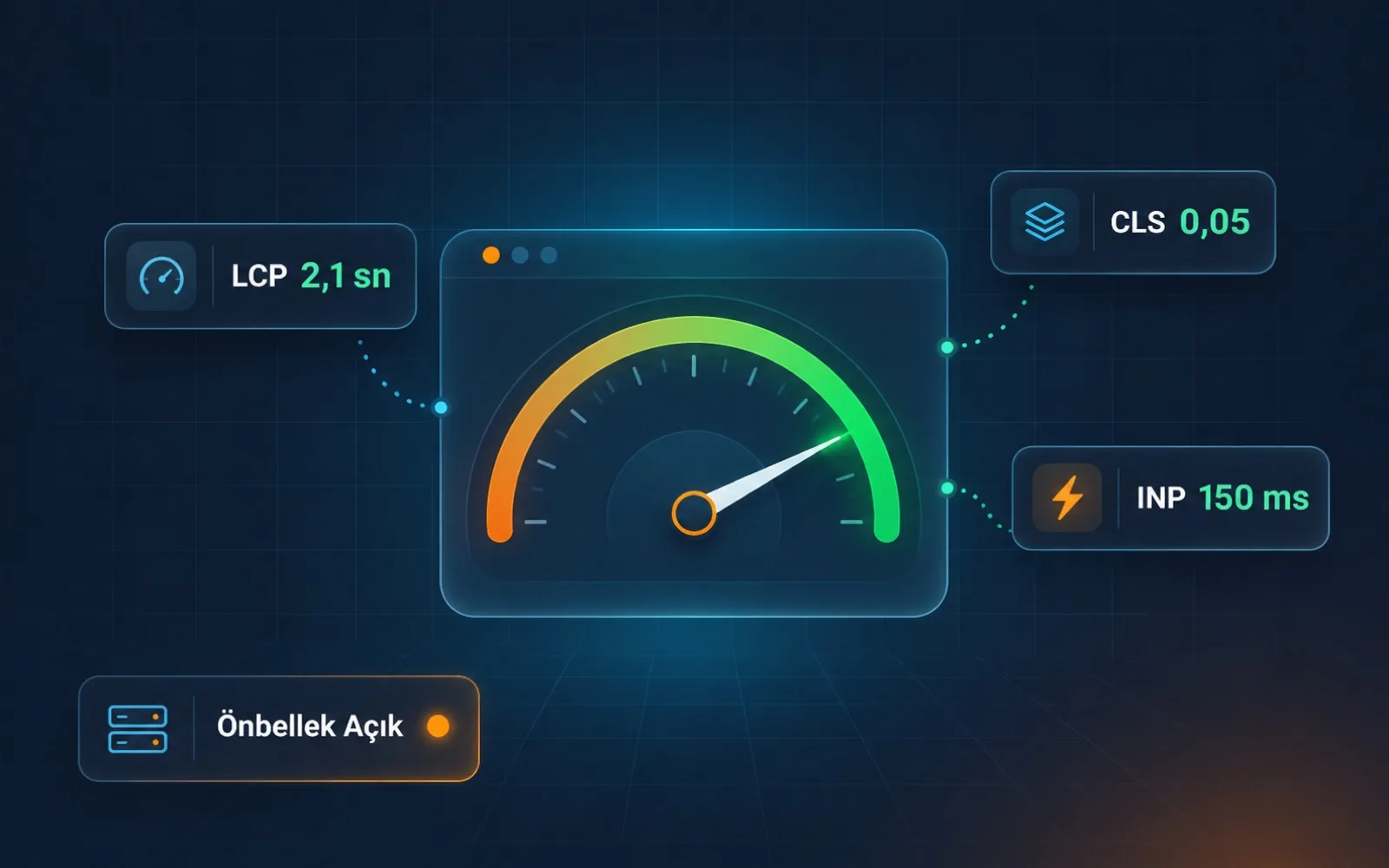
Your page is loading, the visitor is waiting, their patience runs out and they hit the back button. When website speed is poor, this scene plays out every day and often goes unnoticed. In this guide we explain why speed matters, what the Core Web Vitals metrics are and what you can do, step by step.
Why Does Website Speed Matter?
Speed affects both users and search engines. A slow page wears visitors out. In a store where product pages load late, carts get abandoned. On a site where the form page freezes, leads never arrive.
Google also uses page experience as one of its ranking signals. On its own it won't push a page to the top. But between two pages with similar content, the faster and more stable one can pull ahead. If you're curious about how search works in general, take a look at our guide on how SEO is done.
In short, website speed isn't a technical detail; it's directly tied to conversions. Every click you pay for in ads can go to waste on a slow landing page.
What Are Core Web Vitals?
Core Web Vitals are the three core metrics Google chose to measure real user experience. Each answers a different question: How quickly does the page appear? How quickly does it respond to clicks? Does the screen shift while it loads?
LCP: When Does the Largest Content Appear?
LCP (Largest Contentful Paint) is the time it takes for the largest piece of content on screen to load. This is usually the main image, a large heading or a hero video. For a good experience, Google recommends keeping it at 2.5 seconds or less.
INP: How Fast Does the Page Respond to Clicks?
INP (Interaction to Next Paint) measures how long it takes for the screen to react when a user presses a button or opens a menu. It replaced the older FID metric. The recommended value is 200 milliseconds or less. Heavy JavaScript files are the biggest factor that hurts this value.
CLS: Does Content Shift While the Page Loads?
CLS (Cumulative Layout Shift) measures visual stability. If the text you've started reading suddenly jumps down, CLS is high. The recommended value is 0.1 or less. Images without specified dimensions and ad slots that load later are the most common causes.
Which Tools Can You Use to Measure Speed?
Improvements made without measuring website speed are guesswork. The free tools below cover most of what you need.
- PageSpeed Insights: Enter a URL and you'll see both real user data and a lab test. Issues come with a list of recommendations.
- Google Search Console: The "Core Web Vitals" report shows which page groups across the site have problems. It gives a broader picture than testing pages one by one.
- Lighthouse: Built into Chrome DevTools. Handy for a quick check after you make changes.
- Browser network tab: Shows, line by line, how long each file takes to download.
Lab results and real user data can differ. When making decisions, rely on real user data whenever possible. Check mobile results separately, because most visitors come from phones.
How Should You Optimize Images?
On most sites, images make up the bulk of page weight. That's why the quickest wins usually come from here.
- Use modern formats: WebP or AVIF deliver the same image in a smaller file than JPEG and PNG.
- Serve the right size: Don't load a huge-resolution file for an image that appears small on screen. Prepare different sizes for different screens.
- Use lazy loading: Let images below the fold load when the user scrolls down to them.
- Prioritize the main image: Don't leave the hero image that serves as the LCP element to lazy loading. Do the opposite and give it priority.
- Specify width and height: The browser reserves space, so content doesn't shift as the page loads.
What Do Caching and a CDN Do?
Caching means keeping frequently requested content ready to serve. Thanks to the browser cache, returning visitors don't download the same files again. Server-side caching serves a ready-made copy instead of building the page from scratch on every request. The difference is especially noticeable on dynamic systems like WordPress.
A CDN (content delivery network) copies your files to servers in different regions. Visitors get content from the location closest to them. It's a significant gain for sites with international traffic and image-heavy stores.
What Can Be Done on the Server Side?
No matter how much you fix the front end, if the server responds slowly, the page starts late. This initial response time is called TTFB (Time to First Byte).
- Use an up-to-date PHP or runtime version
- Review database queries and add indexes to slow ones
- Enable compression (Gzip or Brotli) and HTTP/2 or HTTP/3 support
- Scale resources if shared hosting is no longer enough
- Turn off unnecessary plugins and background jobs
- Read error and slow-request logs regularly
These steps usually require server access and experience. Getting server management and optimization support to monitor and tune the infrastructure regularly reduces the risks.
How Do Third-Party Scripts Affect Speed?
A live chat widget, analytics code, an ad pixel, a social media plugin, a map... Each one looks small on its own. Together, they slow down the page's main work and hurt INP.
Start by listing which code is actually in use. Remove tools you no longer use. Load the necessary ones deferred or after user interaction. If you use a tag manager, review the code added inside it regularly, too. And make it a habit to test the speed impact before adding any new tool.
Step-by-Step Speed Checklist
- Measure your home page, a category page and a product page on mobile with PageSpeed Insights.
- Note the problematic page groups in the Core Web Vitals report in Search Console.
- Find the LCP element, compress that image and load it with priority.
- Convert all images to WebP or AVIF and specify their dimensions.
- Add lazy loading to off-screen images.
- Minify CSS and JavaScript files and remove unused code.
- Enable browser and server caching, and use a CDN if needed.
- Review third-party scripts and remove the unnecessary ones.
- Measure server response time and improve slow queries.
- Measure again after the changes and record the results.
Poor website speed is sometimes part of a bigger problem. If the site doesn't show up at all, the issue may be with indexing or crawling. In that case, our article on why a site isn't showing on Google will point you in the right direction. To address crawling, indexing and site structure together, technical SEO consulting is a good place to start.
Frequently Asked Questions
- My PageSpeed score is low. Will my rankings drop?
The score alone doesn't determine rankings. Google looks at real user data and content relevance together. Still, a low score points to problems that drive users away and should be taken seriously. - Why are mobile and desktop results different?
The mobile test assumes a slower network and processor. That's why mobile results are usually lower. Since most visitors come from phones, prioritize the mobile values. - Is switching hosting enough on its own?
If the server is slow, it's a good start, but it won't solve everything. With heavy images and too many scripts, the page will stay slow even on a more powerful server. - How do you speed up a WordPress site?
A caching plugin, image compression, a lightweight theme and few plugins are the most effective steps. Disabling plugins one at a time and measuring is a practical way to find the problematic one. - Does every site need a CDN?
If your visitors are in a single region and the site is lightweight, it isn't essential. If you get traffic from different countries or have an image-heavy site, it can make a serious difference. - When will I see the effect of speed improvements?
Changes show up immediately in lab tests. Real user data in Search Console, however, covers a past period, so it takes time to update.
Conclusion
Website speed isn't a one-time setting; it needs regular maintenance. When images, caching, the server and scripts are handled together, Core Web Vitals scores improve for good. At Hun Digital, we measure first, then start with the step that will have the biggest impact. If you'd like to review your site together, take a look at our website speed optimization service.
Author
Enes Şahin
Writes on the Hun Digital blog