

A new design, a new platform or a new domain is exciting. But a careless transition can wipe out years of accumulated search traffic within a few weeks. Website migration is really an SEO project, and it needs a plan. In this guide we explain which steps to take, and in what order, to protect your traffic.
What Types of Website Migration Are There?
Not every migration carries the same risk. First, be clear about what kind of change you're making.
- Server migration: The site stays the same; only the server it's hosted on changes. Since the URLs don't change, the risk is relatively low.
- Domain change: In cases such as a rebrand or a change of domain extension, every URL moves to the new domain.
- Platform change: For example, moving from WordPress to custom software, or from an off-the-shelf ecommerce system to another platform. The URL structure usually changes.
- Structure and design change: The menu, categories and page layout are rebuilt.
- Moving from HTTP to HTTPS: Even though only the protocol changes, every URL is affected.
Making several changes at once increases the risk. If possible, spread the domain change and the platform change across different times. If that isn't possible, the plan needs to be even more detailed.
How Do You Build a URL Inventory Before Migrating?
The first job is to list every URL on the current site. This list is the foundation of the migration. A missing page means a lost source of traffic.
Combine the list from several sources:
- Crawl the entire site with a crawling tool.
- Add the URLs from the current sitemap.
- Export the pages that get clicks and impressions from Search Console.
- Add the landing pages that receive traffic in Analytics.
- Note the URLs that have backlinks from external sites.
Then record each page's title, meta description, main heading and traffic in a spreadsheet. That way you can see from the start which pages are the priority.
At this stage, also take a snapshot of where things stand. Record your rankings for key keywords, monthly organic traffic and conversions. This record is essential for comparison after the migration. Otherwise, it becomes hard to tell whether a drop is caused by the migration or by seasonality.
How Do You Prepare a 301 Redirect Map?
A 301 is a permanent redirect. It tells search engines "this page now lives at this address." Most of the old URL's value is passed on to the new URL.
A redirect map is a two-column table: old URL and new URL. Each old page should go to the new page whose content is the closest match. Redirecting all old URLs to the homepage is a common mistake. In that case, search engines may treat most of the redirects as if they pointed to an empty page.
Common Redirect Mistakes
- Redirect chains: page A goes to B, and B goes to C. Redirect directly from A to C.
- Using temporary redirects (302). For a permanent move, 301 is preferred.
- Forgetting the URLs of images, PDFs and other files.
- Skipping URLs with parameters or with different capitalization.
- Making no decision at all about discontinued products.
Why Does Meta and Content Mapping Matter?
The new page should match the old one not just as an address, but in content too. If a ranking page's text is shortened or its title changes, its rankings may be affected.
That's why the title tag, meta description, main heading and body text should be mapped for every important page. Structured data, image alt text and internal links should also carry over to the new site. If basic SEO concepts are unfamiliar to you, our article on what SEO is and how it works is a good place to start.
How Do You Set Up Data Migration and a Staging Environment?
In a platform change, content, product, category, user and order data are also migrated. This data must be transferred into the new structure with the correct fields. Product variants, price history and image links are where problems most often arise.
The new site should first be built in a staging environment. This environment should be closed to search engines and password-protected. In staging, check the following:
- That every URL in the redirect map goes to the correct page
- That page titles and meta descriptions are in place
- That forms, the cart and the checkout step work
- Mobile display and page speed
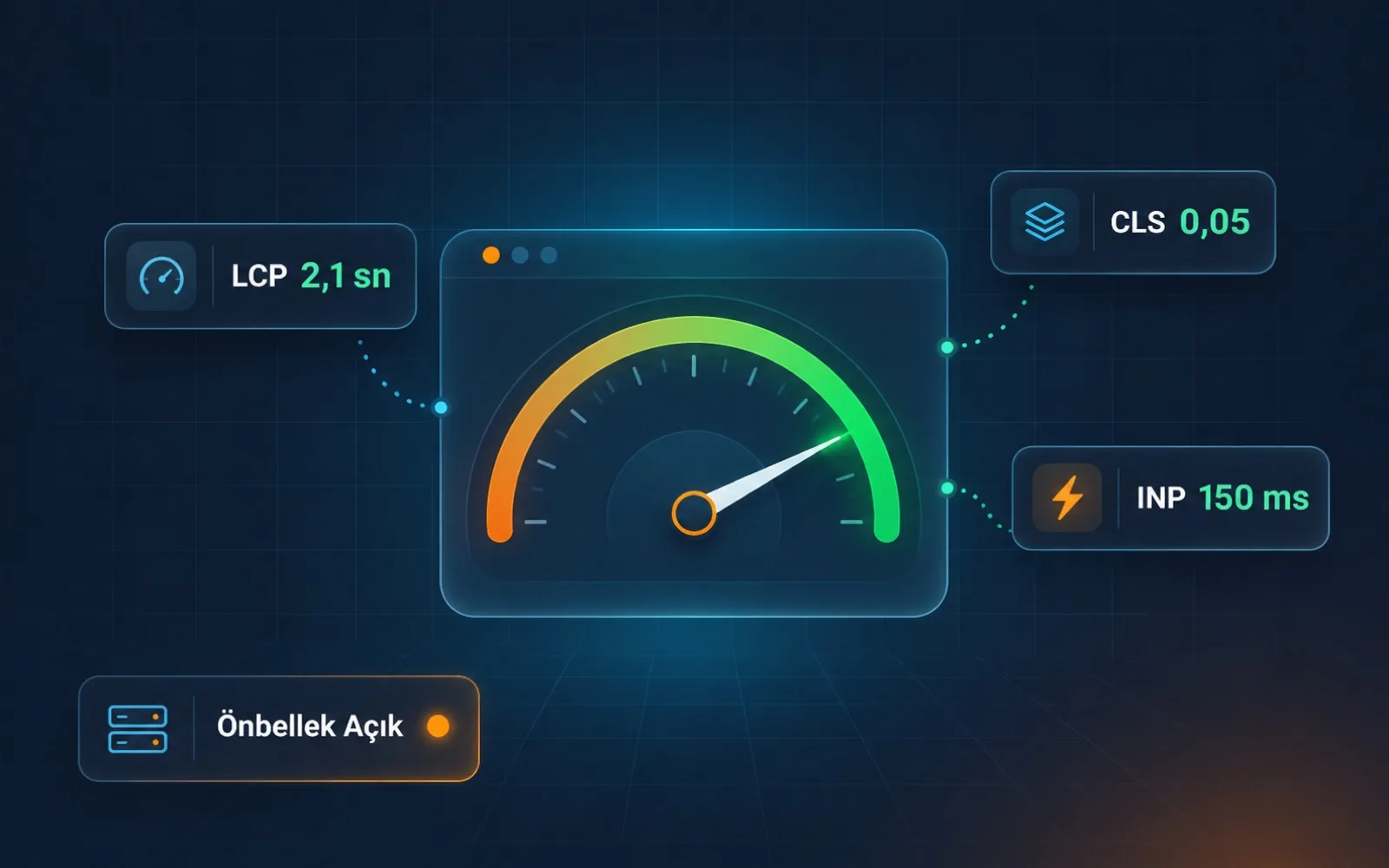
Speed is often overlooked during a migration. The new site shouldn't be slower than the old one. For how to measure it, take a look at our Core Web Vitals guide.
Launch-Day Checklist
Don't rush on launch day. Pick a time when traffic is low and make sure the team is ready.
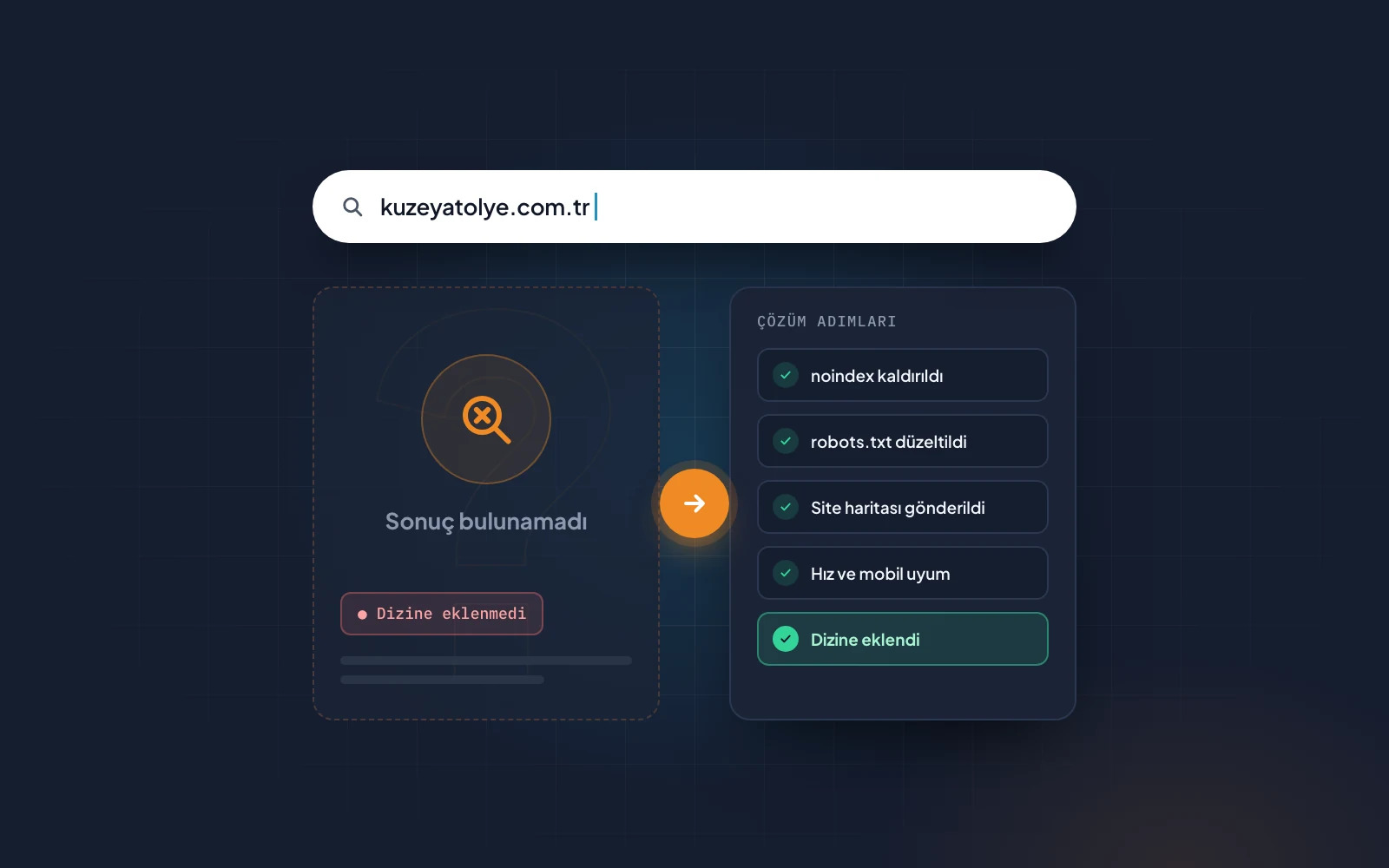
- Remove the "noindex" block on the new site.
- Check that the robots.txt file doesn't block important pages.
- Upload the 301 redirects to the server or platform.
- Test the redirects by opening sample old URLs one by one.
- Verify that canonical tags point to the new URLs.
- Generate the new sitemap and publish it.
- Check that the SSL certificate and the HTTPS redirect work.
- Verify that Analytics and tracking tags work on the new site.
Is Your Rollback Plan Ready?
Even if everything has been tested, an unexpected problem can come up after launch. The checkout step might not work, or a group of redirects might be wrong. That's why a full backup of the old site and its database should be kept ready.
Who is responsible for which issue should be decided in advance. When you would roll back to the old site should also be agreed on up front. Since domain and DNS changes can take time to propagate, plan these changes ahead of time. On migration day, the team should be on standby with at least one developer, one SEO specialist and one person from the content team.
Which Steps Should You Take in Search Console?
Submit the new sitemap to Search Console. If the domain has changed, properties should be set up for both the old and the new domain. Then use the Change of Address tool in the old property.
Keeping the old sitemap for a while also helps. Search engines crawl the old URLs, see the redirects and learn the new URLs faster. You can check important pages one by one with the URL Inspection tool.
What Should You Monitor After Migrating?
A migration doesn't end on launch day. In the weeks that follow, keep a close eye on these indicators:
- The number of indexed pages and error reports in Search Console
- 404 errors and redirect issues
- Organic traffic and the rankings of your top pages
- Crawl stats and server response times
- Conversions: goals such as forms, orders and calls
Rankings may fluctuate briefly after the transition. But if the drop persists, you need to look for the cause. If your pages aren't showing up at all, apply the checks in our guide on why your site isn't showing on Google.
In every project where a new platform is built, mapping the old URLs to the new structure should be part of the plan. Our work on the Gazar corporate website and admin panel and the Luna Pırlanta marketplace-integrated ecommerce platform are examples of this kind of project. We also handle technical crawling and fixes as part of our technical SEO consulting.
Frequently Asked Questions
- Will traffic drop after a migration?
Even with a well-planned transition, there may be brief fluctuations. If the redirects and content are mapped correctly, traffic usually recovers. - How long should 301 redirects stay in place?
We recommend keeping them permanently. Old URLs live on for a long time in external links and users' bookmarks. - I'm only changing servers. Will SEO be affected?
If the URLs stay the same, the risk is low. Still, the new server's speed, uptime and SSL configuration should be checked. - Can I delete unnecessary pages from the old site?
You can, but first check whether they get traffic and links. Redirect the valuable ones to the relevant new page. - Can I let the old domain go when switching domains?
We recommend you don't. For the redirects to keep working, the old domain needs to keep being renewed. - When is the best time to migrate?
Choose a period when sales and traffic are low and the team is available in the days that follow. Avoid campaign periods.
Conclusion
A successful site migration depends on a complete URL list, an accurate redirect map and a careful testing process. Regular monitoring after launch is just as important as the preparation. If you'd like to run your website migration in a planned way, take a look at our website migration services page.
Author
Enes Şahin
Writes on the Hun Digital blog