
You've written great content, but your pages just won't show up in search? The problem is often not the content but the site's infrastructure. Technical SEO is the set of work that makes it easy for search engines to find, crawl and understand your site. In this guide we explain the core concepts in plain language and finish with a step-by-step checklist.
What Is Technical SEO, and How Is It Different From Content SEO?
SEO rests on three main pillars: content, off-site signals and technical infrastructure. Content work focuses on giving a good answer to the user's question. Technical work makes sure that answer reaches the search engine without any obstacles.
Even a very well-written page can't rank if it can't be crawled. That's why technical infrastructure is the foundation for all other work. Technical SEO work usually starts with a crawl. The site is crawled from top to bottom, errors are listed by priority and a fix plan is drawn up. Some fixes come down to a single setting, while others require work from the development team. We cover the general framework of SEO in our article on what SEO is and how it works.
Crawlability: robots.txt and the Sitemap
Search engines browse sites with bots. These bots need to be able to reach your important pages. Crawlability is exactly about making that access easy.
The robots.txt File
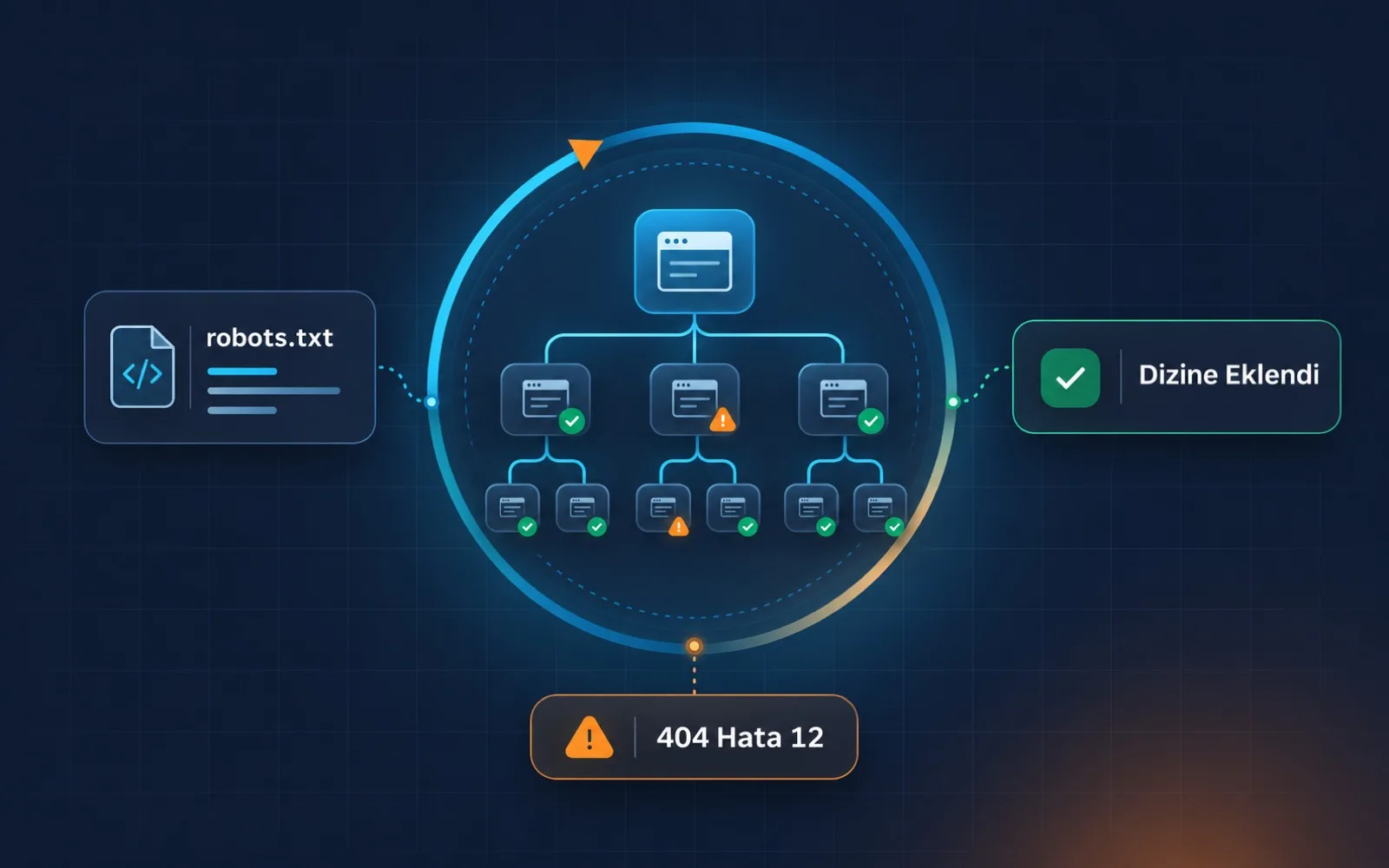
robots.txt is a small text file in the site's root directory. It tells bots which sections they shouldn't crawl. The admin panel, the cart or search results pages are usually blocked here.
The thing to watch out for is this: a single wrong line in this file can block the entire site from being crawled. A block left over from the staging environment is one of the most common errors after launch.
The XML Sitemap
A sitemap is a list of the pages you want indexed. It gives the search engine a roadmap. The sitemap should include only pages that are live, don't redirect and are open to indexing. It should be kept up to date and submitted to Search Console.
What Do Canonical and noindex Do?
The same content sometimes appears at more than one URL. Filtered category pages, links with tracking parameters or print versions are examples. This confuses search engines.
The canonical tag says which of these copies is the main page. The search engine consolidates value at that URL. noindex asks that a page not appear in search results. It can be used for thank-you pages or thin tag pages.
The two shouldn't be confused. Canonical says "this is the main page," while noindex says "don't list this page." Using both in a conflicting way on the same page causes problems.
How Do You Use hreflang on Multilingual Sites?
If your site has Turkish, English or German versions, you need the hreflang tag. This tag points to the other language versions of the same page. That way the search engine serves the right language to the right user.
Every language version should reference all the others as well as itself. Missing or one-way declarations are common mistakes. Language and region codes must also be written correctly.
Why Does Structured Data Matter?
Structured data is code that tells the search engine explicitly what type of information is on the page. It specifies whether a page is a product, an article or business information. The schema.org vocabulary and the JSON-LD format are usually used.
Correct markup gives you a chance at rich results in search. Product price, stock status, review ratings or breadcrumbs are examples. But the marked-up information must actually be visible on the page. Marking up information that isn't on the page violates the guidelines.
After adding the markup, check it for errors with a testing tool. Search Console also shows errors and warnings in its enhancements section. Review these reports regularly to make sure the markup doesn't break when a template changes.
How Should Site Architecture and Internal Linking Be Set Up?
Good site architecture lets users reach important pages in just a few clicks. The homepage, categories and subpages should be connected in a logical hierarchy.
- URLs should be short, readable and made of words that describe the topic.
- There should be no "orphan" pages that receive no links from any other page.
- The anchor text of internal links should describe the topic of the destination page.
- Breadcrumbs show both users and search engines where they are.
If an architecture change means URL changes, it should be planned carefully. We explain the steps in our guide to migrating a site without losing SEO.
How Do You Handle 404 and 301 Errors?
A 404 indicates that a page can't be found. Not every deleted page needs to return a 404. If its content continues on another page, redirect it there with a 301. For pages that are truly gone, returning a 404 or 410 is normal.
The problem arises when internal links point to pages that return 404s. This leads both users and bots to a dead end. Redirect chains also waste crawl budget. Broken links and redirect chains should be found and fixed with regular crawls.
Mobile-Friendliness, Speed and HTTPS
Google largely evaluates sites based on their mobile versions. That's why the mobile version should offer the same content and links as the desktop version. Text should be readable and buttons easy to tap with a finger.
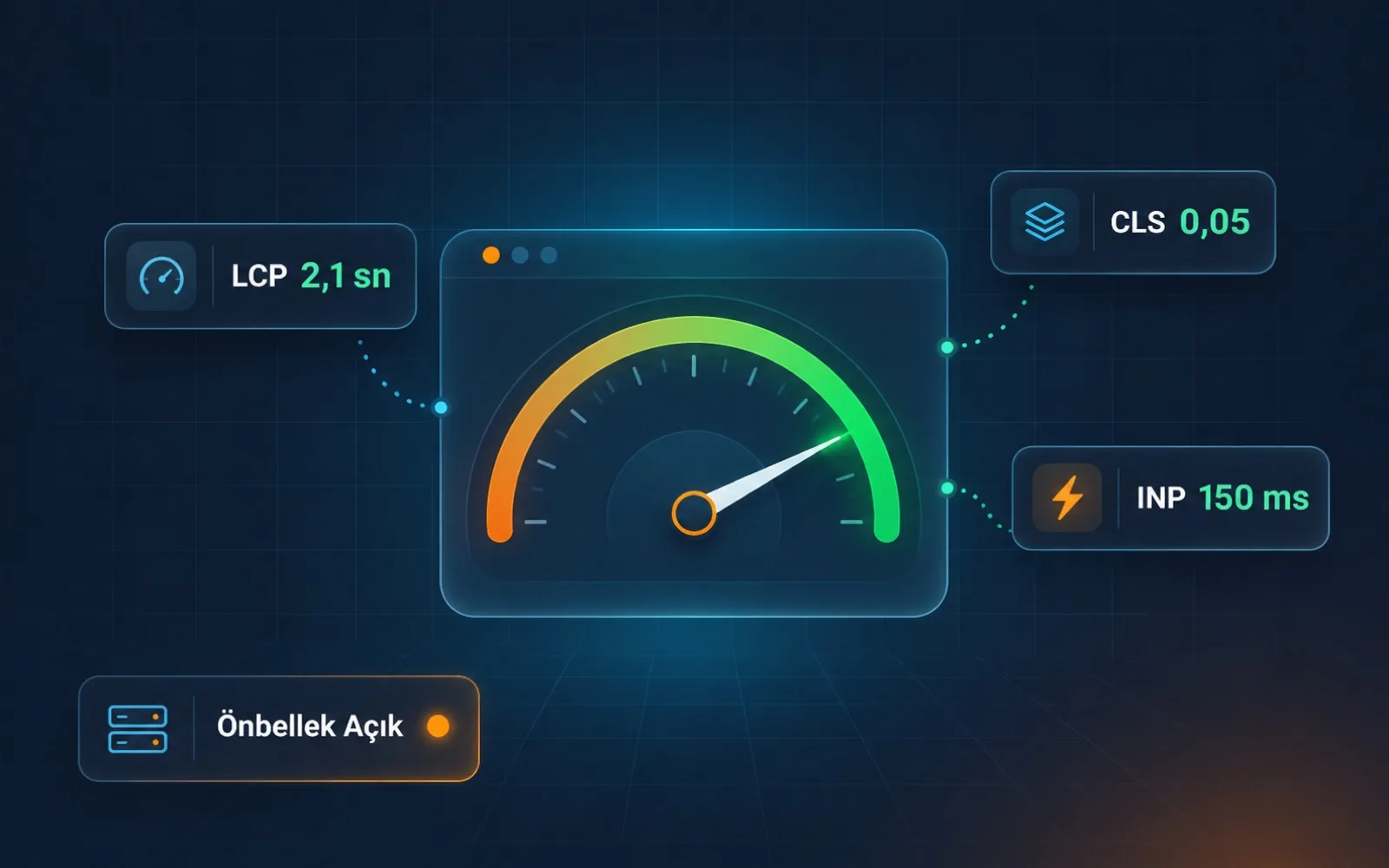
Page speed is also part of the user experience. Core Web Vitals measure loading, interactivity and visual stability. We explain these metrics in our website speed guide. If there's serious slowness, website speed optimization can be handled as a separate project.
HTTPS is now a basic expectation. Every page should load over a secure connection, and HTTP URLs should redirect to HTTPS with a 301. No insecure resources should be loaded within the page.
Log Analysis and Search Console Reports
Server logs show what bots actually do on your site. You can see which pages they crawl, how often, and where they hit errors. On large sites, log analysis is the clearest way to understand where crawl budget is going.
Search Console is a free, essential tool. Monitor these reports regularly:
- Page indexing report: Which pages are indexed, and why are others excluded?
- Sitemaps: Are the submitted sitemaps being read?
- Core Web Vitals: Which groups of pages are slow?
- URL Inspection: What is the crawl and index status of a single page?
- Security and manual actions: Is there a penalty or a security issue?
If your pages aren't showing up at all, start with the basic checks in our guide on why your site isn't showing on Google.
Technical SEO Checklist
- robots.txt doesn't block important pages.
- The XML sitemap is up to date and submitted to Search Console.
- There's no noindex on pages that should be indexed.
- Duplicate pages have the correct canonical tag.
- hreflang is defined bidirectionally on multilingual pages.
- Structured data on key page types is error-free.
- Important pages can be reached from the homepage in a few clicks.
- There are no orphan pages or broken internal links.
- The mobile version offers the same content as desktop.
- Core Web Vitals scores are being monitored.
- All pages load over HTTPS.
- Redirect chains have been cleaned up.
- Search Console error reports are reviewed regularly.
Frequently Asked Questions
- Is technical work done once and finished?
No. New pages, plugins and design changes can create new problems. Regular crawls and report monitoring are needed. - Is it necessary for a small corporate site too?
Yes, but the scope is narrower. robots.txt, the sitemap, HTTPS, mobile-friendliness and basic speed checks are usually enough to start. - Which tools are used?
Search Console is the core tool. Alongside it, a site crawler, speed testing tools and a structured data testing tool are used. - Does the choice of platform affect technical SEO?
Yes. Some platforms offer less flexibility in URL structure, canonical tags and speed settings. These questions should be asked before choosing one. - When will I see results?
The impact of fixes depends on the search engine recrawling the pages. The timeline varies with site size and crawl frequency. - Who should run a technical SEO audit?
The audit is done by someone with SEO expertise. But since most fixes are on the code and server side, it should be carried out together with the development team.
Conclusion
Technical infrastructure is the ground that content and link-building work stand on. Crawlability, the right tags, solid architecture and regular report monitoring keep that ground strong. If you'd like to review your site's infrastructure together, take a look at our technical SEO consulting service. For work that also covers content and links, see our search engine optimization service.
Author
Enes Şahin
Writes on the Hun Digital blog