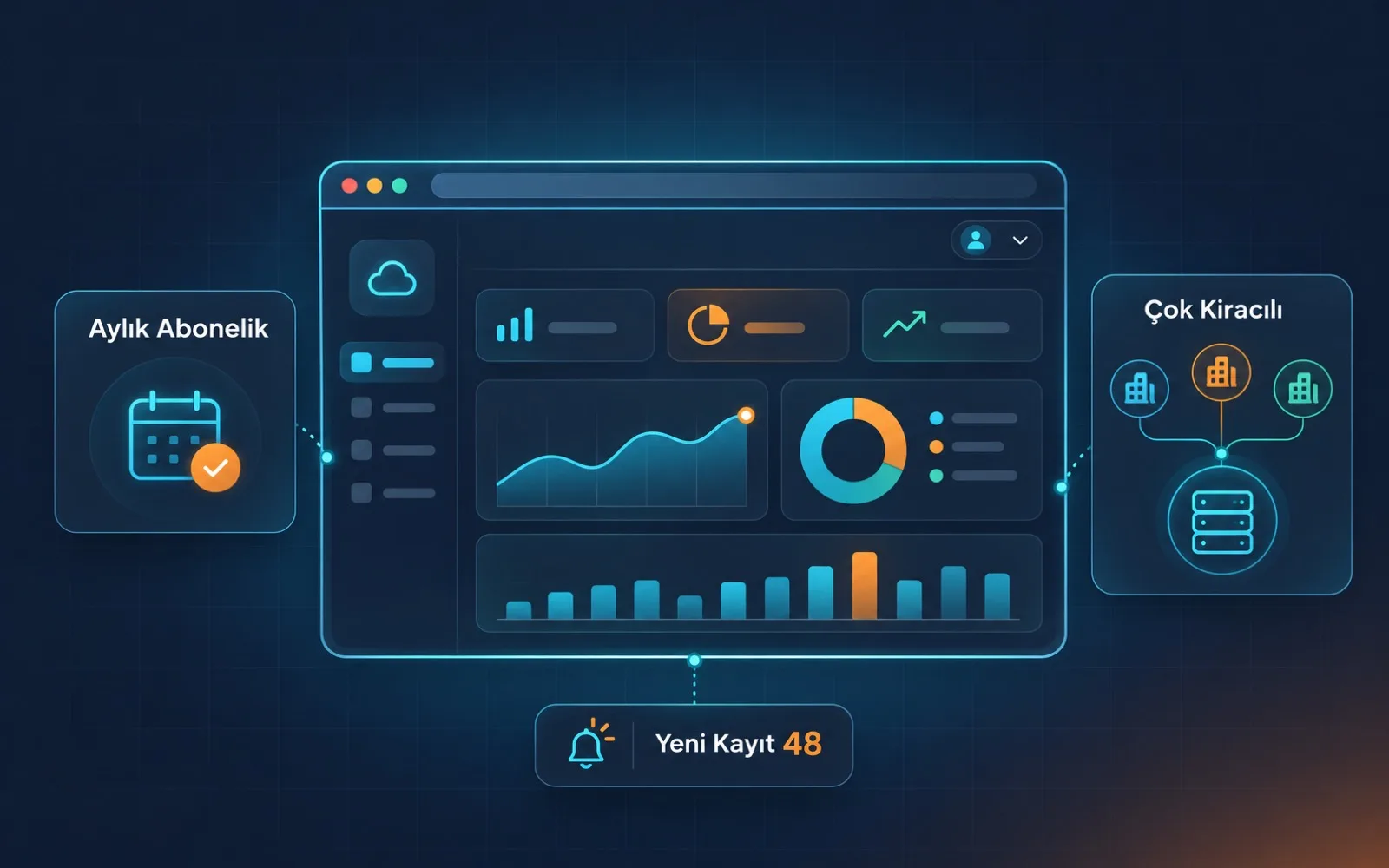

What is ERP? Efficient process management is vital for SMBs and every growing business. Separate departments, scattered data and manual work can all waste time. Answering the question "What is ERP?" helps us understand how this scattered information comes together in one place. In this article, we explain how ERP software works, the modules it provides and what to look for when choosing one, in plain and technical terms.
What Is ERP? What Does It Stand For and What Is Its Core Purpose?
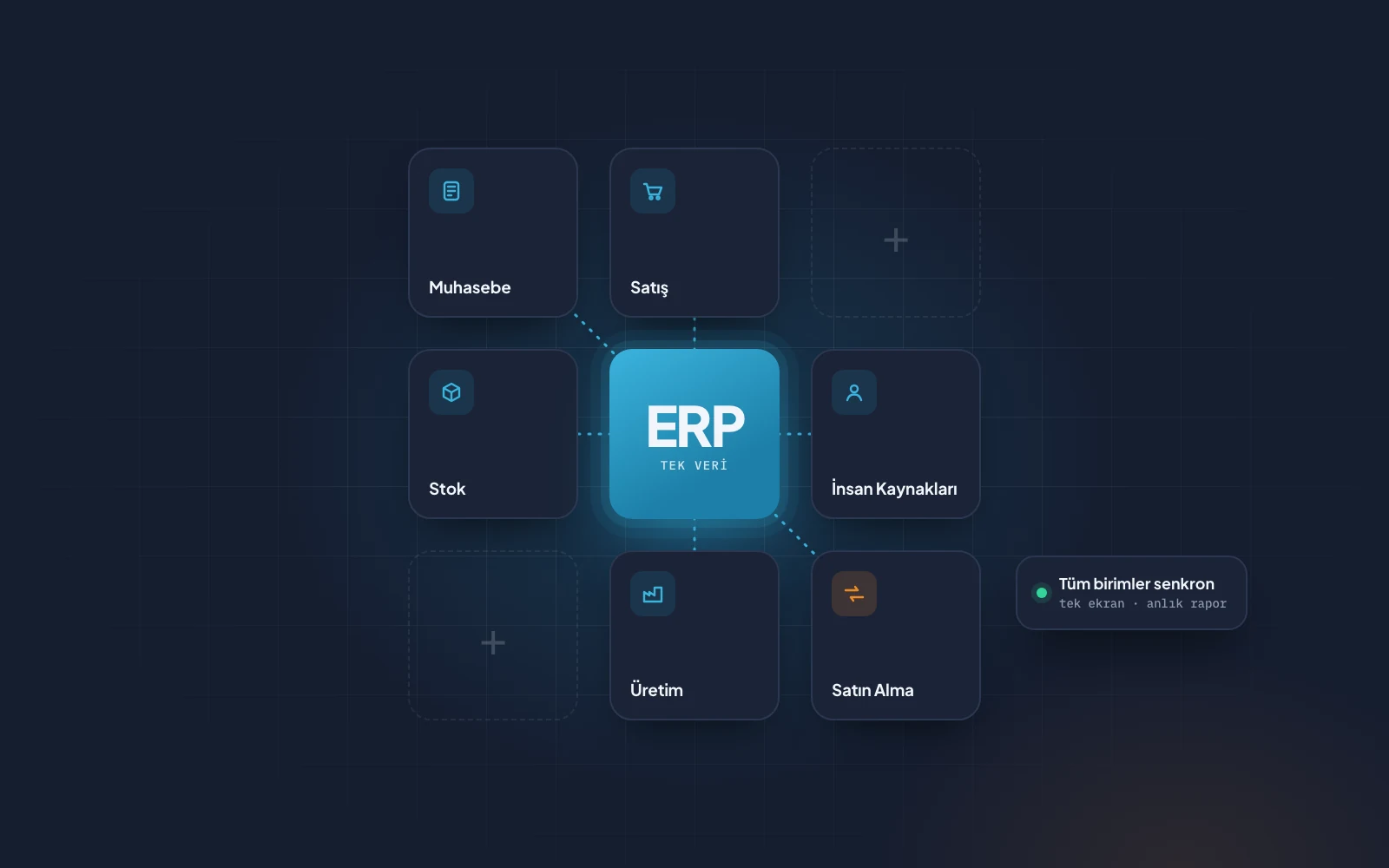
ERP stands for Enterprise Resource Planning. Its core purpose is to bring all of a business's resources (such as inventory, finance, production and human resources) together in a central system and ensure that every process runs smoothly on shared data.
For example, operations such as automatically deducting a sold product from inventory, generating the invoice and recording the financial entry at the same time are accelerated with an ERP system. As a result, operational errors decrease and management processes become integrated.
What Does ERP Software Do and How Does It Work?
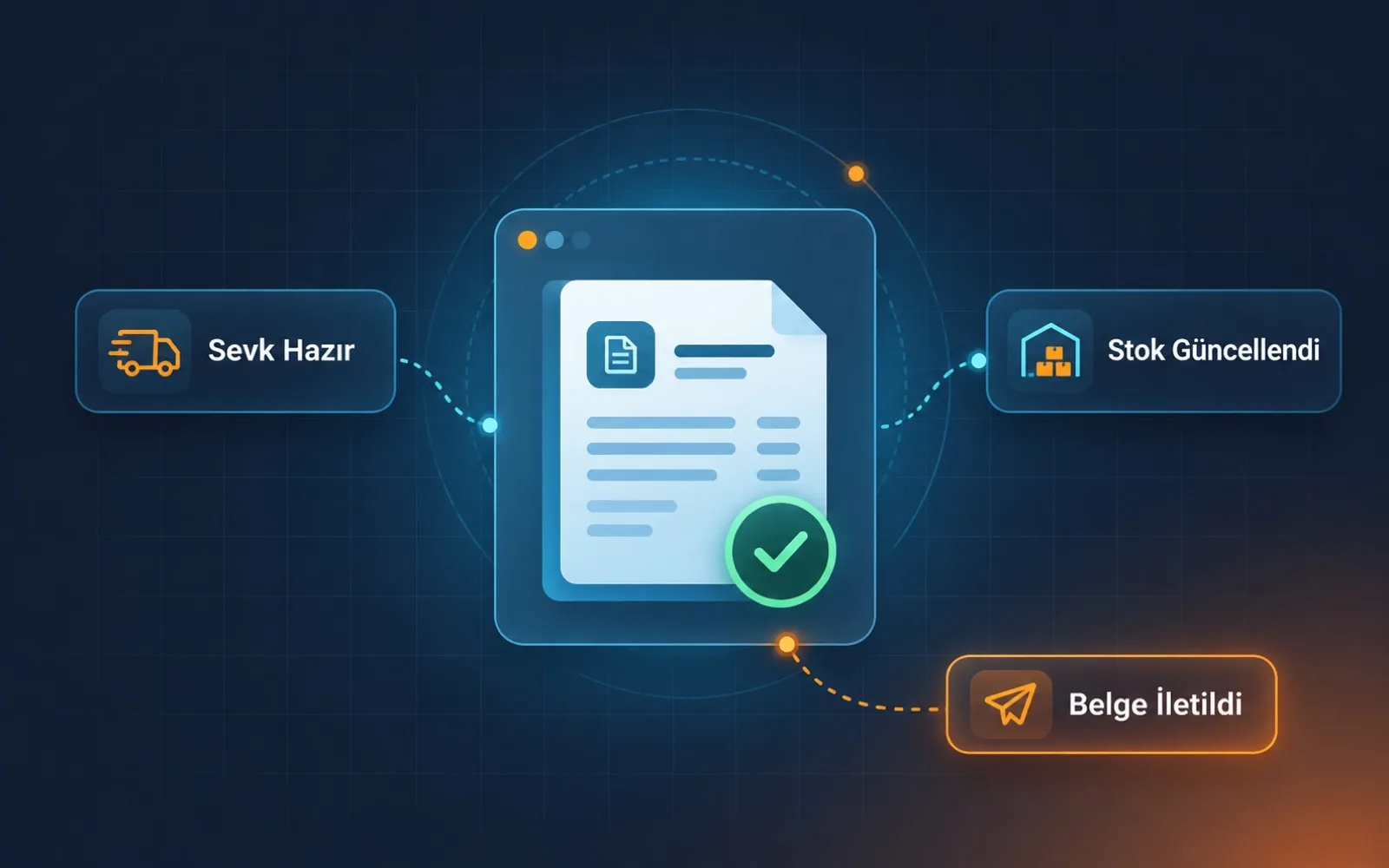
ERP software manages a business's processes in an integrated way on a single platform. Data is entered centrally, and all relevant departments can access it in real time. For example, an order entered by the sales team can be deducted from inventory by the warehouse and automatically reflected in accounting.
Imagine a small wholesaler tracking inventory in Excel. As orders increase, manual updates become harder, and errors and forgotten records can occur in the warehouse. With ERP software, however, the order is automatically processed against inventory, a warning is issued for low stock and the need is passed to the purchasing module.
ERP Modules: Core Components and How They Work
- Inventory Management: Tracking products in the warehouse, alerting when levels drop to the minimum and monitoring product flow.
- Sales: Recording and reporting the entire sales process, from quote to invoice.
- Purchasing: Managing purchases of goods or services, supplier orders and planning inventory needs.
- Accounting and Finance: Automatic recording of all financial transactions and integration of cash, bank, payment and collection processes.
- Production: Planning production processes and managing resource usage and work orders.
- Human Resources: Central control of processes such as employee records, payroll, leave and timekeeping.
- Reporting and Analytics: Decision support through real-time, detailed reports.
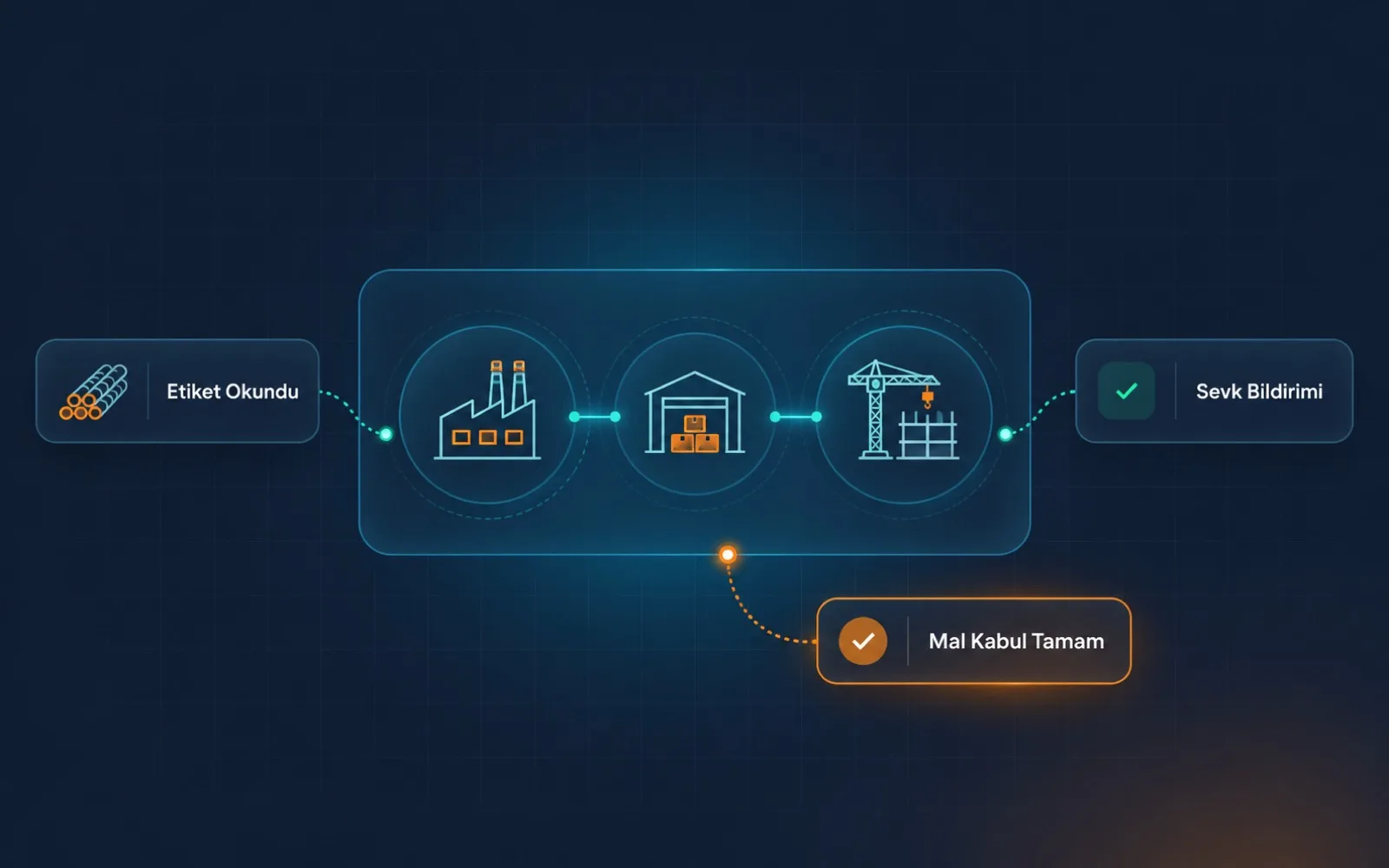
In a manufacturing plant, ERP brings the entire process under one roof, from raw material intake through production planning to the finished product. Similarly, an ecommerce company that receives orders from multiple sales channels can manage inventory matching and fast delivery with these modules.
Benefits and Potential Drawbacks of ERP Systems for Businesses
Key Benefits
- Data collected in one place and easier access
- Time savings through automation of manual work
- Fewer errors and traceable processes
- Detailed analysis and reporting for management decisions
Potential Drawbacks
- May require process changes at the start
- User training and an adjustment period may be needed
- Integration and customization costs may arise
Key Differences Between ERP and CRM
ERP and CRM systems serve different purposes. ERP provides central management of inventory, accounting, production and internal processes. CRM focuses on customer relationships, sales tracking and marketing communications.
- ERP covers business processes and resources.
- CRM manages customer touchpoints and sales processes.
Having both systems integrated within a business delivers high efficiency. For more information, see our ERP and CRM Software Development page.
Using ERP in Small and Medium-Sized Businesses
For small and medium-sized businesses, an ERP system makes it much easier to manage inventory, purchasing and sales from a single point. One of the most common problems is that tracking inventory and orders in Excel causes manual errors and lost time. ERP software reduces these problems and makes room for the business to grow.
Off-the-Shelf ERP Software vs. Custom ERP Development
When choosing an ERP, is a packaged solution or a system built around your exact needs the better choice? The table below highlights the key differences:
Off-the-Shelf ERP Software Custom ERP Software Cost Usually lower upfront Initial investment may be higher Flexibility Offers standard modules, limited customization Fully tailored to your needs Setup Can be deployed faster Requires more analysis and development Maintenance Depends on the vendor You can run your own development and support processes Integration Limited or requires extra development Can be fully integrated with existing systems Scalability May be limited by the existing package Can be developed as the business grows
In any case, evaluating the Custom Software Development option in detail helps you identify long-term needs correctly.
Factors That Affect ERP Software Pricing
- The number and scope of modules to be used
- Number of users
- Setup and training needs
- Customization and integration requirements
- Choice of cloud or on-premise deployment
Every business may need different modules and licensing features. That's why a preliminary analysis and detailed requirements gathering are important.
Technical and Operational Criteria to Consider When Choosing an ERP
- Module options that cover all of the business's processes
- Ease of use and user interface
- Availability of support and training services
- Security, data backup and privacy standards
- API and integration capabilities
- Mobile or web-based access options
ERP Integrations and Data Exchange with Existing Software
ERP systems can share data with existing accounting, ecommerce, human resources or third-party applications. Automatic data transfer minimizes human error and makes reporting easier.
For example, a business that manages its supply chain in Excel can, through ERP integration, have orders update inventory automatically. Ecommerce sites using multiple sales channels can also manage order and customer data from a central point this way.
For these integration needs, you can also visit our API and System Integrations page.
Frequently Asked Questions
What is the main difference between ERP and accounting software?
Accounting software covers only financial records and transactions. ERP offers holistic management that includes sales, inventory, production and human resources.
Should small businesses use ERP software?
Yes, small businesses can choose simplified ERP software to manage their processes centrally and increase efficiency.
What is a cloud-based ERP?
Cloud ERP refers to ERP systems that are accessed and updated over the internet without requiring a server investment.
Why are ERP integrations important?
Being able to exchange data with other software prevents repeated data entry and speeds up business processes.
What increases ERP software costs the most?
Customization, number of users, module scope and training and support services all affect the total cost.
Conclusion: What to Look for When Choosing an ERP
When choosing an ERP system, you need to analyze the business's process map, existing infrastructure and integration requirements. There is no one-size-fits-all solution; the right ERP is critical for long-term efficiency.
To develop the ERP and CRM solutions best suited to your needs or to integrate your existing software, visit our ERP and CRM Software Development or Custom Software Development pages. Get in touch with us for information and consulting.
Author
Enes Şahin
Writes on the Hun Digital blog