
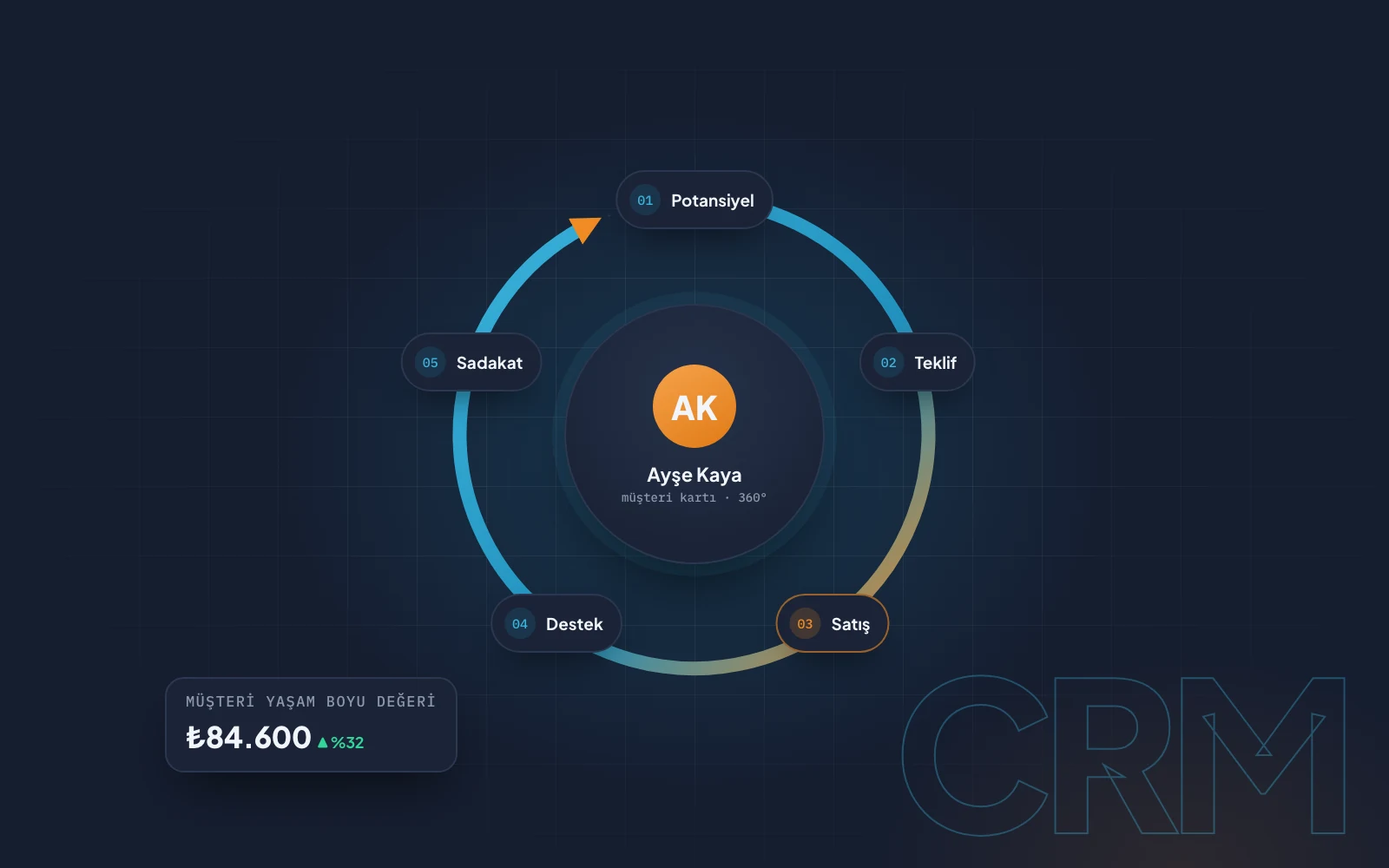
Customer relationships have become a strategic necessity for modern businesses. Companies that try to manage customer requests with Excel or fragmented systems can fall behind the competition because of scattered information and data loss. In this article, we start with the question "What is CRM?" and explain in detail how CRM software works, what benefits it offers businesses and how to choose the right CRM solution.
What Is CRM? What Does Customer Relationship Management Mean?
CRM stands for Customer Relationship Management. CRM is an approach and a set of technology solutions that systematically manage all of a business's interactions and processes with its customers. It's not just software; it's a strategic approach that lets you organize your business processes in a central structure.
What Does a CRM Program Do?
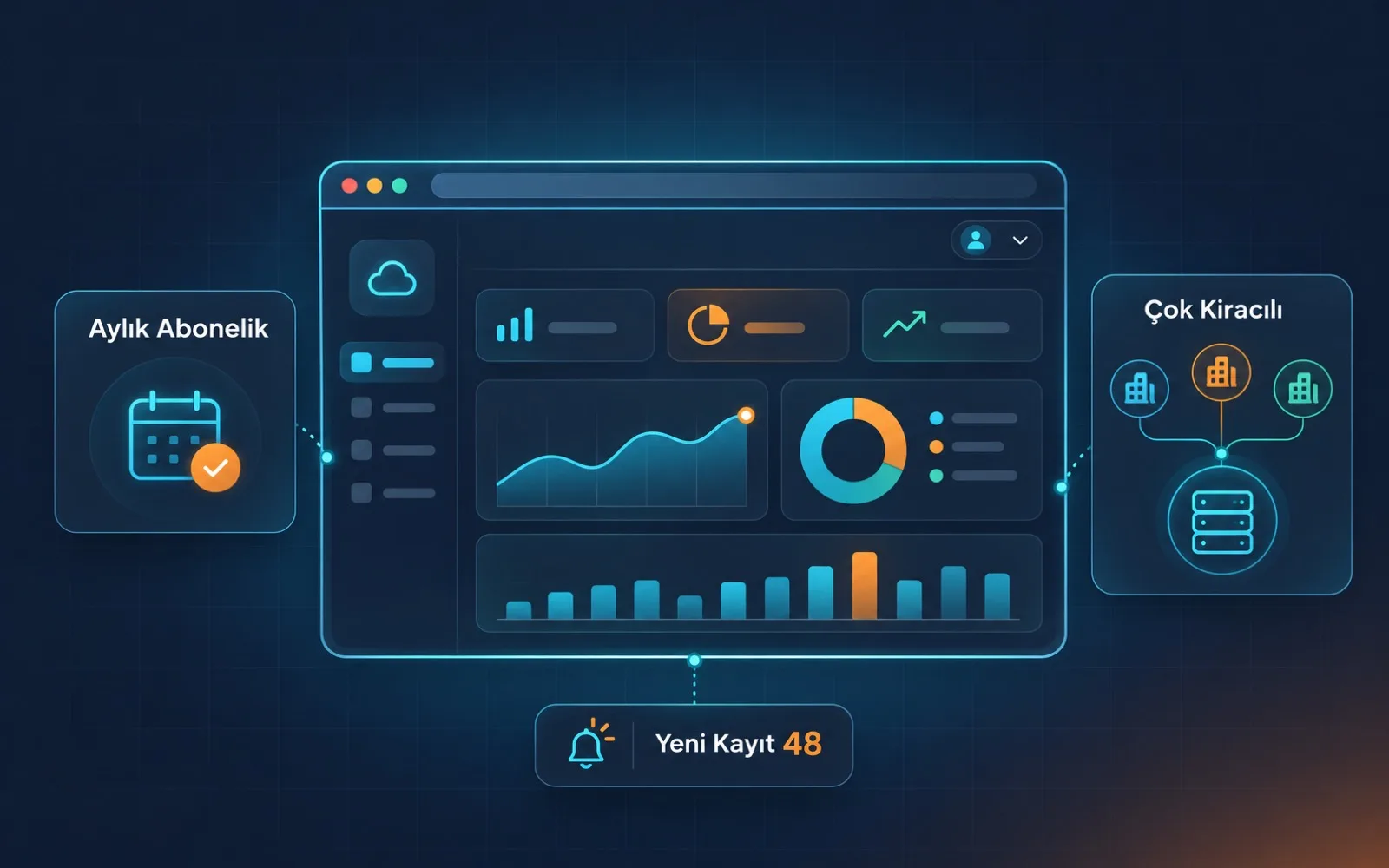
A CRM program collects customer information, centralizes it and makes it accessible to the whole team. It offers many functions, such as sales process tracking, customer communication history, quote preparation, task assignment and detailed reporting. Key functions include:
- Recording contact details, addresses, transaction history and notes in customer profiles
- Tracking sales opportunities and quotes
- Central logging of phone calls, email correspondence and meetings
- Assigning and tracking tasks for sales representatives
- Measuring sales processes with reporting and analytics
- Preventing forgotten follow-ups with calendar and notification management
How Does CRM Software Work?
CRM software collects all customer-related data on a central platform. Information gathered through email, phone, web forms or manual entry becomes instantly accessible and updatable. As a result:
- The clutter of Excel-based records comes to an end
- Sales and customer service teams access information on the same screen
- Communication and coordination between departments improve
- Every touchpoint with each customer is listed chronologically
Practical Examples
- A service company that used to record customer requests in Excel files can, with CRM, list requests on a single screen, assign a responsible staff member and speed up response times.
- A B2B business records its sales representatives' customer meetings step by step in the CRM and gets instant access to previous quotes and correspondence.
- A company in the tourism industry automatically logs incoming booking and contact requests thanks to a CRM integrated with its website, so no stage of the process is skipped.
What Are the Core Features of CRM Systems?
A modern CRM system streamlines how your business operates with these core modules:
- Customer profile management: A central record of all information about a customer.
- Sales funnel: Visualizing sales stages and tracking opportunities.
- Lead management: Recording new prospects and moving them through a process.
- Quote and order tracking: Monitoring prepared quotes and approval processes.
- Task and work assignment: Assigning responsibilities to staff and tracking them.
- Automatic notifications: Instant alerts about records, changes or tasks.
- User permissions: Access restrictions for data security and process management.
- Reporting and analytics: Sales, customer and team performance reports.
What Are the Types of CRM?
Advanced CRM systems are generally categorized into three main approaches:
- Operational CRM: Used to automate sales, marketing and customer service processes. For example, a request from a website form automatically becomes a customer record.
- Analytical CRM: Enables sales strategies to be built through detailed analysis of customer data. Using insights from purchase history analysis, sales teams can develop more effective strategies.
- Collaborative CRM: Allows all teams that interact with customers to share customer information and work in coordination. Marketing, sales and customer service teams can access information on the same platform.
Benefits of Using CRM for Businesses
- Centralized data management: All customer data is kept up to date in one place.
- Visibility into sales processes: Every opportunity and customer is tracked step by step.
- Team coordination: Sales, marketing and support teams work from the same information.
- Customer communication: Past correspondence and quotes are available with a single click.
- Operational efficiency: Saves time during busy periods and automates repetitive processes.
What Are the Differences Between CRM and ERP?
CRM focuses on customer-related processes, sales and marketing. ERP, on the other hand, centralizes accounting, inventory, human resources and supply processes. The two systems are often used together and can be integrated in ERP and CRM Software Development projects. For more on ERP systems, read our article What Is ERP? What Does ERP Software Do?
Which Businesses Should Use CRM?
- Service companies: Can track customer requests, project status and feedback on a single platform.
- B2B sellers: Can manage quote, contract and meeting processes together.
- Ecommerce companies: Can combine order and customer data and strengthen post-sale communication.
- Tourism companies: Can centralize booking processes and communication.
- Growing SMBs: Can consolidate scattered customer data and prevent losses.
Off-the-Shelf CRM Platforms vs. Custom CRM Software
When looking for a CRM solution, the question "Off-the-shelf system or custom software?" is important. Here are the most critical differences:
- Upfront cost: Off-the-shelf CRM usually offers a lower upfront cost. Custom software requires a development budget.
- Per-user licensing: Off-the-shelf systems have monthly/annual licenses. Custom software generally allows unlimited users.
- Customization options: Off-the-shelf systems come with certain limits. Custom software is shaped around your needs.
- API integrations: APIs may be limited in off-the-shelf packages; in custom software projects, any system you want can be connected. API and System Integrations play an important role here.
- Data control and portability: Data export may be restricted on off-the-shelf platforms. With custom software, the data structure belongs to you.
- Maintenance and technical support: Off-the-shelf options come with standard support. Custom solutions are generally under your control.
- Scalability: Off-the-shelf CRM platforms usually let you add new users quickly. With a custom solution, you can grow the software however you like.
- Fit with business processes: Custom software fits your business's unique processes perfectly; off-the-shelf systems work with standard modules.
Off-the-shelf CRMs are advantageous for small businesses and those who want a quick start; if your processes are highly specific and changeable, custom development may make sense.
What Determines CRM Software Pricing?
When choosing a CRM solution, pricing is shaped by many factors:
- Number of users and access rights
- Modules and features enabled in the system
- Licensing type (subscription or purchase)
- API integration requirements
- Business-specific development and added modules
- Technical support, maintenance and training packages
- Data hosting and security options
What Are CRM Integrations?
For efficient customer management, a CRM program can be integrated with different platforms. The most common integrations are:
- Website contact and sales forms
- Email servers (logging incoming and outgoing mail)
- Phone and call center systems
- Ecommerce and order systems
- ERP solutions and accounting software
- Popular third-party services
With our SaaS Software Development and Business Process Automation services, we offer comprehensive integration solutions for businesses going digital.
What to Look for When Choosing a CRM
When choosing the right CRM software for your business, consider:
- A user-friendly interface and ease of learning
- Data security and permission options
- Support for KVKK (Turkey's Personal Data Protection Law) compliance
- Portability of data to another system
- Whether its reports meet your business needs
- Long-term license, maintenance and scaling costs
For a well-matched solution, we support your analysis and decision process with our Software Consulting service.
Common Mistakes in CRM Implementation
For CRM investments to be effective, avoid these mistakes:
- Not analyzing the business's needs
- Adding complex, unnecessary modules and processes
- Neglecting user training
- Error-prone or incomplete data migration
- Choosing the wrong tools for integrations
Frequently Asked Questions
- Is CRM only necessary for large businesses?
Scalable CRM options are also available for small and medium-sized companies. - Does CRM software automatically increase sales?
CRM increases efficiency; sales growth depends on processes and strategy being applied correctly. - Will I lose my data when switching to a CRM program?
With proper data migration, existing data is preserved. Incomplete data migration is a common mistake. - Does CRM guarantee KVKK compliance?
It supports data security and consent-based communication management; you still need to build processes that comply with the legislation. - Should all customer information be stored in the CRM?
Only information that is necessary for your business processes and legally appropriate to store should be kept in the system. - Which software can be integrated with a CRM system?
Websites, ERP, accounting, call centers, email services and other platforms that work with APIs can be integrated.
Conclusion: Which Steps Should You Follow When Choosing a CRM?
Before moving to CRM software, it's important to analyze your business's customer management processes, sales organization and integration needs. Whether it's an off-the-shelf CRM program or a custom-built solution, you should consider the dynamics of your business processes and your growth goals during selection. For businesses that want to digitize their processes, we offer comprehensive solutions in ERP and CRM Software Development, Custom Software Development and API Integrations. Talk to us to strengthen your customer management with the right CRM investment.
Author
Enes Şahin
Writes on the Hun Digital blog